Make each lesson easier to follow
Tighten pauses and repetition, arrange explanations, and add titles that guide the learner.
Tellers for course creators
Turn recorded lessons and webinars into focused course videos. Cut repetition, add captions, and make short clips from the material you’ve already filmed.
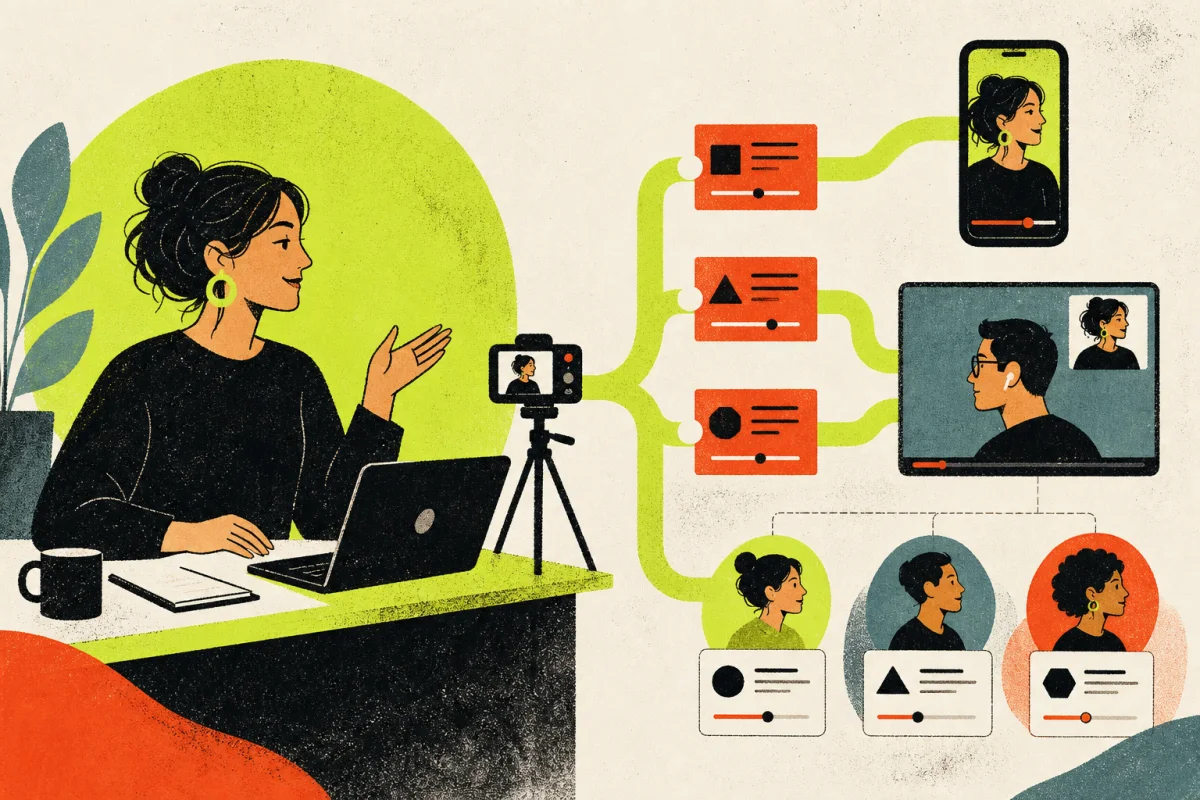
Example lesson edit
“Turn this webinar section into a five-minute beginner lesson. Remove repeated points, keep the demonstration, and add a title for each step.”
Ask for an editable first cut, then make it yours.
What you can do
Tighten pauses and repetition, arrange explanations, and add titles that guide the learner.
Search your webinars and course library for an explanation or example you can reuse.
Turn a useful excerpt into a short social video without building a new edit from scratch.
How it works
Upload a lesson, webinar or batch of recordings, with any supporting images and brand assets.
Tell Tellers the audience, topic, target length and what must stay. Review the first lesson cut.
Check accuracy and continuity, correct captions, and export the lesson or a shorter promotional version.
You keep creative control
Review the explanation, examples and sequence before publishing. Adjust the edit yourself or ask Tellers to revise it.
See pricing and how AI usage worksYes. Specify the topics and learning goals, then ask for focused cuts from the recording. Check each lesson for context and completeness.
Yes. Search your recordings for relevant explanations and examples, then assemble them into a new edit. Review dates and details that may need updating.
No. You can direct the edit in ordinary language. You can also make manual timeline adjustments when you want more precise control.
Start with one recording and a clear learning goal.