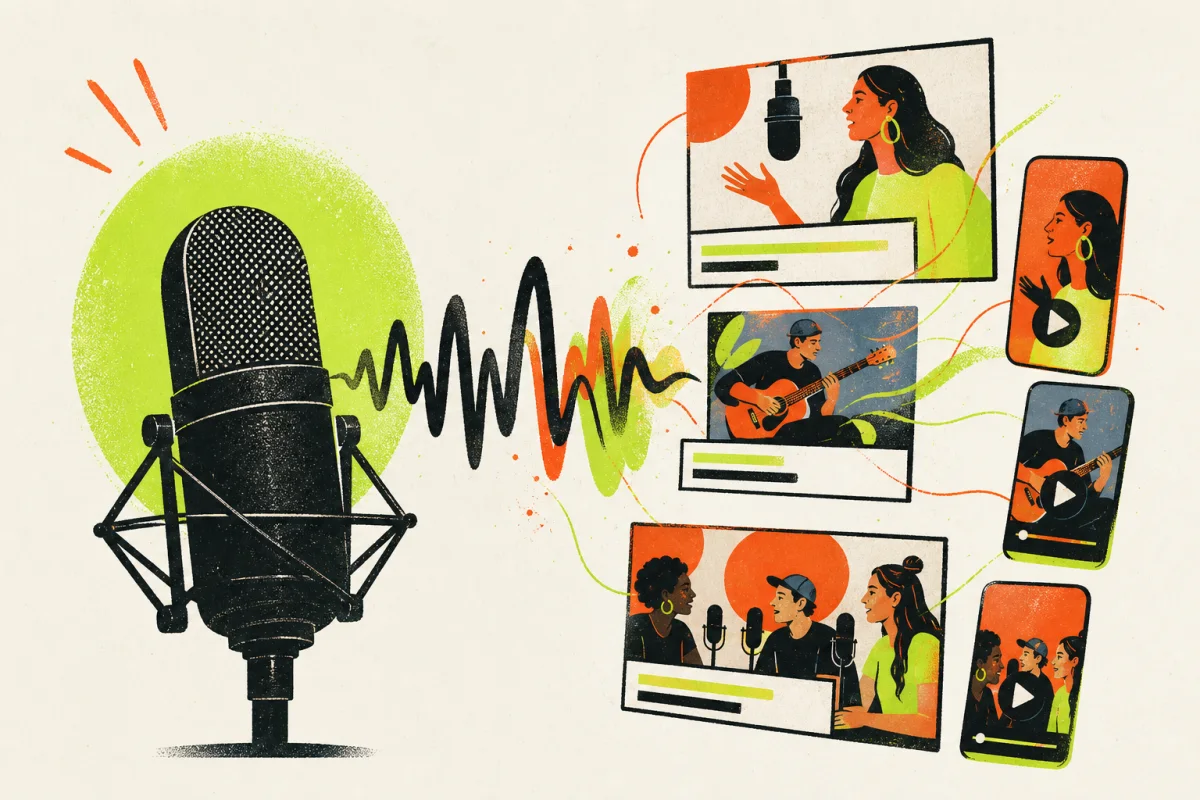
Tellers for podcasters
Record once.
Publish everywhere.
Turn each podcast episode into a full video, captioned highlights, illustrated explainers, and platform-ready social clips—without spending the week inside an editor.
- Audio or video input
- Prompt-directed visuals
- Every social format
What changes
Keep recording.
Stop rebuilding every format.
- 01Visualize
Give audio a visual story worth watching.
Use illustrations, references, stock, B-roll, captions, and motion to make a conversation work on video-first platforms.
- 02Find
Surface the moments people will share.
Search the transcript and meaning of the episode to find clear insights, strong opinions, useful explanations, and natural hooks.
- 03Distribute
Create every format from one source edit.
Produce a landscape episode, vertical clips, square posts, and shorter cuts without manually rebuilding the timeline.
The workflow
Episode in.
Content system out.
The transcript becomes a production map: what to illustrate, what to caption, what to clip, and how each format should work.
- 01
Upload audio or video
Start with an MP3, WAV, or an existing filmed episode in a common audio or video format.
- 02
Transcribe and understand
Tellers identifies speakers, topics, key moments, references, definitions, and natural clip boundaries.
- 03
Direct the visual treatment
Describe the tone, illustration style, caption treatment, pace, highlights, and formats in a prompt.
- 04
Review and publish
Refine the editable video package, then export full episodes and social versions ready for each platform.
Inside one workspace
Everything the episode needs.
- 01
Audio-to-video assembly
Build a visual narrative around spoken content using relevant imagery, pacing, and structure.
- 02
Semantic highlight search
Find quotable lines, useful insights, definitions, and topic shifts without scrubbing the full episode.
- 03
Automatic captions
Generate timed, styled captions and word-level emphasis that follows the conversation.
- 04
B-roll and references
Add relevant footage, definitions, names, places, and visual context when the conversation needs it.
- 05
Prompt-directed style
Control tone, visual language, captions, pacing, and emphasis without relying on a fixed template.
- 06
Multi-format versions
Create 16:9, 9:16, and 1:1 outputs from one editable episode project.
Automation without template sameness
The agent builds the package.
You direct the voice.
Tellers automates the repetitive production work, but the visual tone, selected moments, caption treatment, and final structure remain open to direction and revision.
- ✓Prompt-directed visual and caption style
- ✓Editable highlight and B-roll choices
- ✓One project across multiple formats
- ✓Full episode and short clips together
Questions, answered
Before you
get started.
How does Tellers convert a podcast to video?+
Tellers transcribes the episode, analyzes its topics and structure, then assembles relevant visuals, captions, and motion around the conversation. You direct the desired tone and format with a prompt.
Can Tellers create full YouTube videos from podcast audio?+
Yes. Tellers can produce a full-length 16:9 episode with captions and a visual treatment, even when the source is audio-only.
Can Tellers find short clips automatically?+
Yes. It can identify strong insights, concise explanations, memorable opinions, and natural hooks, then turn those moments into editable social clips.
How much control do I have over the visual style?+
You can describe the tone, imagery, caption design, pacing, emphasis, topics to feature, and topics to avoid. The result is editable rather than locked to a template.
Which formats can Tellers create for podcasters?+
Tellers can create landscape 16:9 videos for YouTube, portrait 9:16 clips for Reels, TikTok, and Shorts, and square 1:1 posts from the same episode.
Your next episode is more than audio
Bring the conversation.
Build the channel.
Turn one recording into the full episode, the best clips, and the visual context your audience needs.