Video to SRT
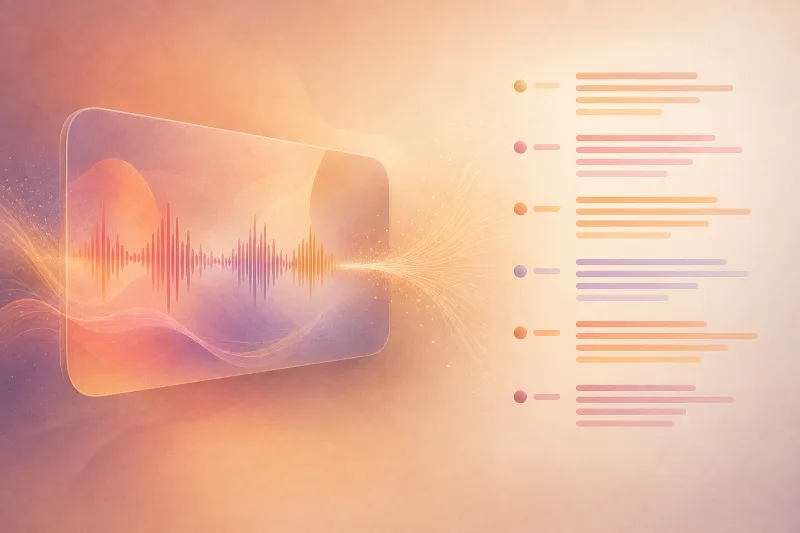
Turn spoken audio or video into timed subtitle files without uploading your recording. Generate cues, correct words and timestamps while previewing the media, then download SRT or WebVTT for your video editor or player.Read more ↓Show less ↑
Free to use · No account or login required · No ads
Your media stays private: processed in your browser, never uploaded to our servers.
Frequently asked questions
How is Video to SRT different from burning subtitles into video?
This tool exports a separate timed text file. SRT and WebVTT files can be imported into editors or supported players without re-encoding the picture. Use Add Subtitles to Video if you want captions permanently rendered into an MP4.
Can I correct generated subtitles?
Yes. Preview the recording, click a cue to seek to it, and edit its text, start and end time. Downloads update from your edits. Automated speech recognition can make mistakes, especially with noise, names or accents, so review every subtitle before publishing.
Why does generation take time?
The browser downloads a speech model on first use, then transcribes locally on your device. Use recordings up to ten minutes and under 100 MB. Fast mode uses a smaller model. Browser codec support and device speed affect processing. No account or upload is required.