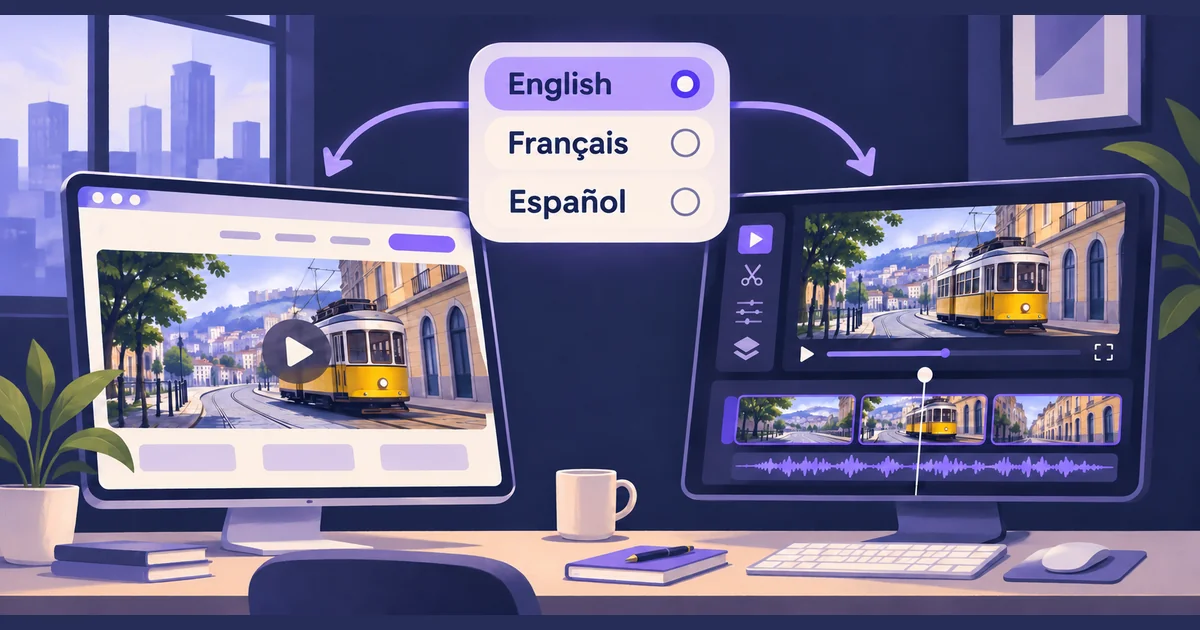
You can now browse Tellers and use our free video tools in seven languages. The Tellers editor is available in English, French, Spanish and Korean. That means a team can start with a guide or a utility in its own language, then switch the editor separately when it’s time to work on a project.
What you can use in each language
| Where | Languages |
|---|---|
| Tellers website and free browser tools | English, French, Spanish, Brazilian Portuguese, Russian, Japanese and Korean |
| Tellers video editor | English, French, Spanish and Korean |
On the website, the translated pages cover the homepage, pricing, Skills, MCP, Media Engine, our team and contact pages. In the free tools directory, translations also cover the tool controls, instructions and help text. Try the French tools directory, the Japanese Skills page or the Korean homepage. Use the language menu to switch to a translated version of the page when one is available.
English remains the language of articles such as this one. The languages in the table describe the website and app interfaces; changing one does not translate a project’s footage, dialogue or existing titles.
Change the editor language
Open Tellers, open your profile menu and choose Language. Pick one of the four languages or choose System to follow your device settings. For example, you can read the Spanish site and keep the editor in English if that’s what the rest of your team uses.
If you build a custom assistant for a multilingual team, the assistant editor also lets you write localized names, descriptions and suggested prompts. The assistant’s underlying prompt and settings are shared. That way a French and a Korean colleague can see different welcome text while starting from the same editing workflow.
Open the Tellers editor to set your language, or start with a free browser tool in the language you prefer.