We’re thrilled to partner with VEED and bring some of the most recognisable subtitle styles in short-form video directly into Tellers. Following the launch of VEED’s API, Tellers users can now simply ask the Tellers Agent to subtitle their video using a VEED style. Learn more about VEED’s API.
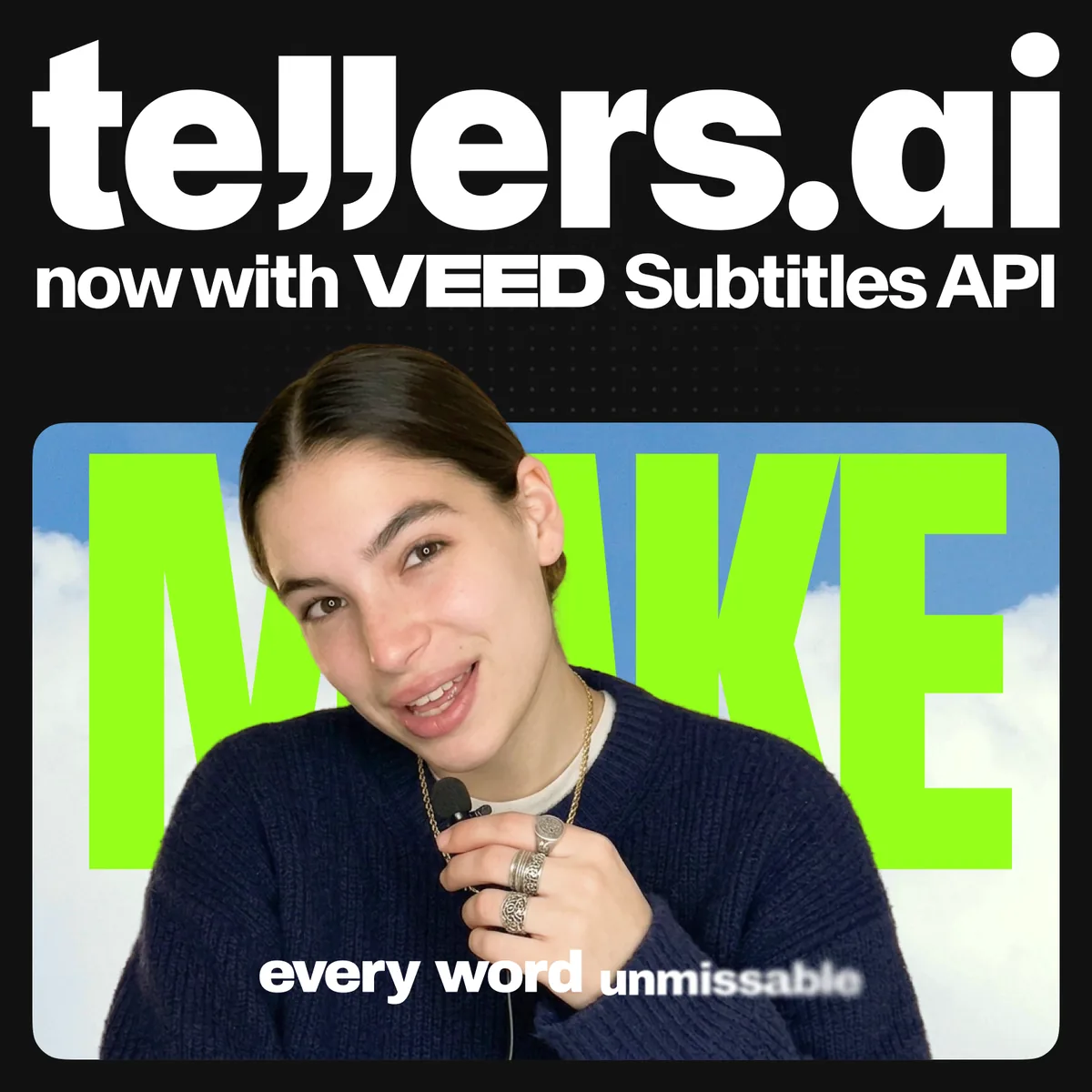
Subtitle Styles Audiences Already Recognise
Subtitles have become an essential part of short-form video. They make videos easier to follow without sound, help retain attention, and can become a defining part of a creator or brand’s visual identity.
Few caption styles are as instantly recognisable as VEED’s. The same presets already used across millions of videos created with VEED are now available to Tellers users.
They have been carefully designed for readability, with optimised typography, line spacing, and contrast. Safe-zone rendering also helps keep captions visible across different aspect ratios without placing important text behind the interface elements used by social platforms.
Some styles go beyond traditional captions, adding animated effects that interact with the visuals and bring another layer of energy to the edit.
Just Ask the Tellers Agent
Tellers can already create native, HTML-based subtitle styles with a high degree of flexibility. Users can customise typography, colours, positioning, and animation—or even use a different font for every word.
VEED brings an additional visual layer. Its subtitle styles include more advanced effects that can blend with the video itself, making captions feel like an integral part of the visuals rather than simply text placed on top of them.
Users can ask the Tellers Agent to:
- Subtitle an entire video using a VEED style
- Apply a more dynamic caption preset for short-form content
- Restyle existing subtitles
- Adapt captions for a vertical social media version
Because VEED subtitles are burned directly into the rendered video, they should usually be applied once the edit is finished. The Tellers Agent already understands this constraint and can automatically place the subtitle-rendering step at the appropriate point in the editing process.
The result is a natural workflow: describe the subtitle style you want, and let the agent determine how and when to apply it.
Combining Complementary Strengths
VEED has built some of the most popular and recognisable caption styles used by creators and teams around the world. At Tellers, we aim to integrate the best providers and join forces with them whenever it creates a better experience for our users.
One of the nicest parts of this integration was how easy the VEED team made it. Every exchange was fast, thoughtful, and refreshingly straightforward.
VEED subtitle styles are now available in Tellers. Upload a video, open the Tellers Agent, and ask it to add some of the trendiest subtitles out there.
Frequently Asked Questions
Can I use VEED subtitles on Tellers.AI?
Yes. Upload your video to Tellers.AI, open the Tellers Agent, and ask it to apply a VEED subtitle style. The agent can subtitle the full video or restyle captions that are already in your edit.
Are VEED subtitles available on other platforms?
Yes. VEED offers its subtitle styles in its own video editor and makes them available to compatible products and integrations through the VEED API. Availability depends on whether a platform has integrated the API.
How do I add VEED subtitles to a video on Tellers.AI?
Upload a video, finish your edit, and ask the Tellers Agent to add a VEED subtitle style. Tellers automatically places the subtitle-rendering step at the appropriate point before the final video is rendered.