Tellers MCP
View product page →Tellers MCP is a hosted Model Context Protocol server for AI video editing. It lets compatible agents create and edit video timelines, inspect the result, open a live preview, and export the finished video.
Tellers is the only MCP able to show a live preview of any video editing timeline as the agent edits it.
Endpoint
https://mcp.tellers.ai/The server uses Streamable HTTP and OAuth authentication. You do not need to install or run anything locally.
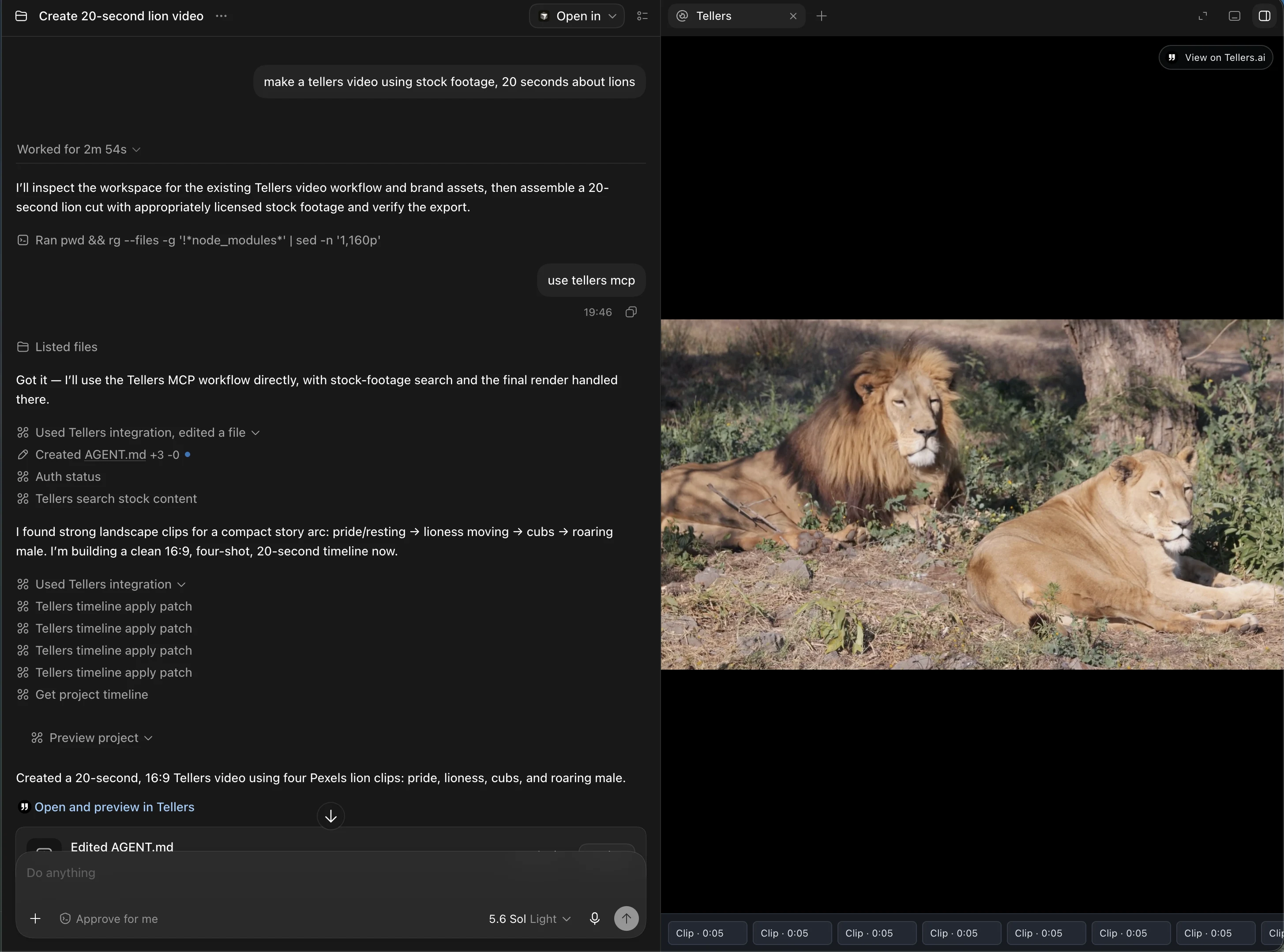
Set up Tellers MCP in Claude
- Open Customize → Connectors in Claude.
- Select Add custom connector.
- Enter Tellers as the name and
https://mcp.tellers.ai/as the URL. - Select Add, then sign in to Tellers and approve access.
- Enable Tellers from the Connectors menu in your conversation.
On Team and Enterprise plans, an organization owner must add the connector before members can connect their accounts. See Claude's remote MCP documentation for plan-specific details.
Set up Tellers MCP in Codex
Run:
codex mcp add tellers --url https://mcp.tellers.ai/
codex mcp login tellers
Complete the OAuth flow in your browser, then run codex mcp list to confirm the connection. Inside Codex, use /mcp to view the available Tellers tools.
Codex shares MCP configuration between its CLI and IDE extension on the same host. See the Codex MCP documentation for configuration options.
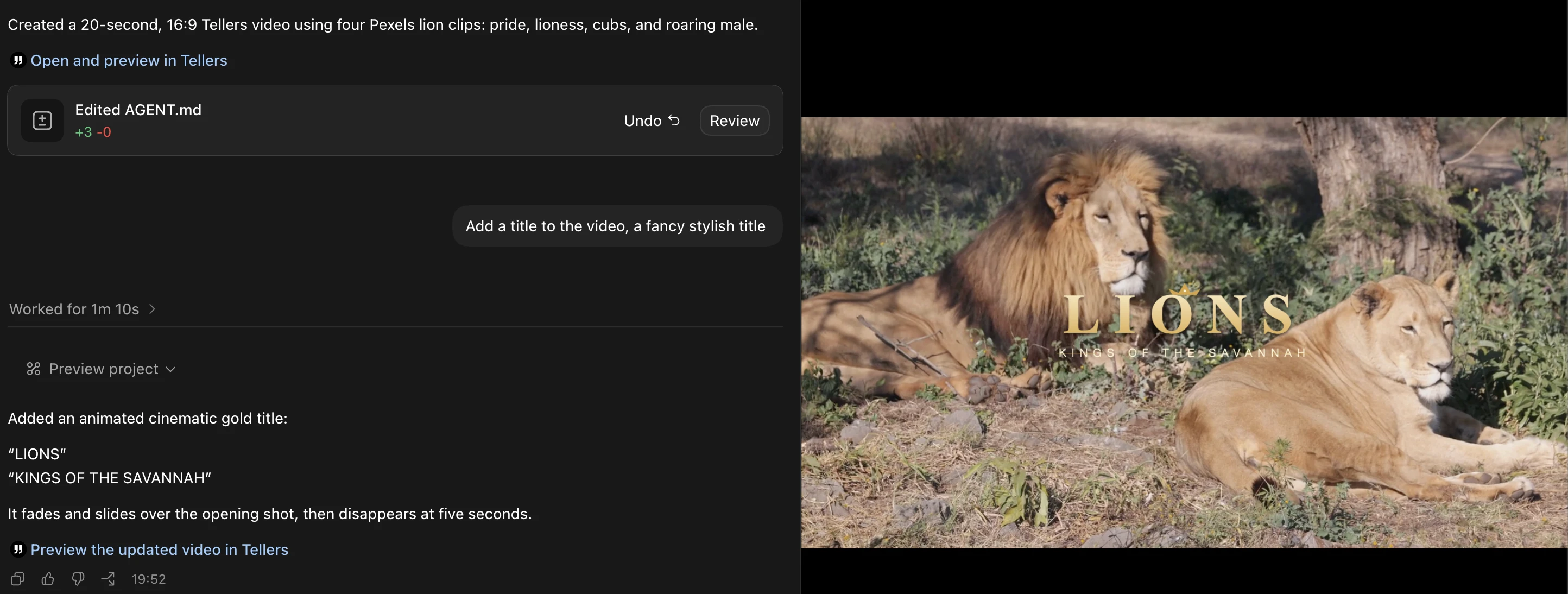
Start editing
Once connected, ask your agent to create a video, edit an existing project, or show you the current timeline preview. For the product overview and workflow examples, visit the Tellers MCP landing page.