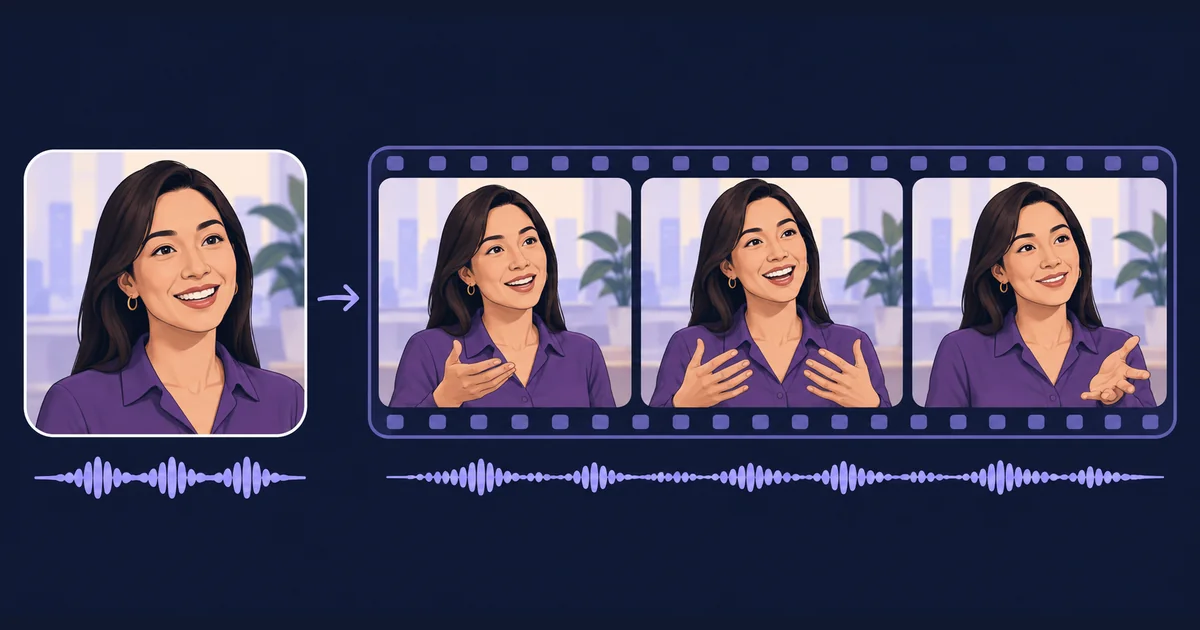
LongCat-Video-Avatar 1.6 aims to keep an AI presenter looking natural through a longer conversation. In its November 15 release announcement, Meituan’s LongCat team reports more natural lip movements, more expressive facial and body motion, and improved consistency in videos exceeding ten minutes.
For creators making lessons, explainers or narrated product videos, that opens up a useful possibility: generate a sustained performance, then shape it into the formats your audience needs.
What changed in version 1.6
The official model card highlights two improvements: reducing strained mouth movements and reducing errors that build up during long-form generation.
The model uses autoregressive continuation, generating successive segments while carrying information forward from earlier ones. That matters because a presenter needs to remain recognizably the same person as the explanation continues, with gestures and expressions that follow the speech. The team reports better consistency beyond ten minutes; it does not mean every generated take will be equally usable.
The release includes downloadable model weights and inference code. Its focus is audio-driven human video: turning a spoken performance into an animated presenter.
One performance, several useful edits
A longer source gives you more room to develop an explanation before deciding how to package it. A training lesson could become a full walkthrough, a short answer to a common question and a preview for social media. Each can draw from the same presenter performance.
For a product tutorial, keep the presenter for the introduction and transitions, then show the actual interface while the narration explains each action. For a course, alternate the presenter with diagrams or worked examples. The value comes from matching the visuals to the explanation, without having to keep a talking face on screen throughout.
Edit your LongCat video in Tellers
Upload a video created with LongCat to Tellers, together with any slides, screen recordings or product footage. Tell our editing agent what you want to make:
Use my uploaded presenter video and screen recordings to make
a two-minute onboarding explainer. Keep the presenter for the
opening and recap. Show the relevant screen recording when
the narration describes each action.

Keep the narration continuous and add readable captions.
Then make a 30-second preview around the most useful takeaway.
Tellers brings the assembly, captions and revisions into the same conversation. Start with the longer explanation, then ask for the versions you need to share.