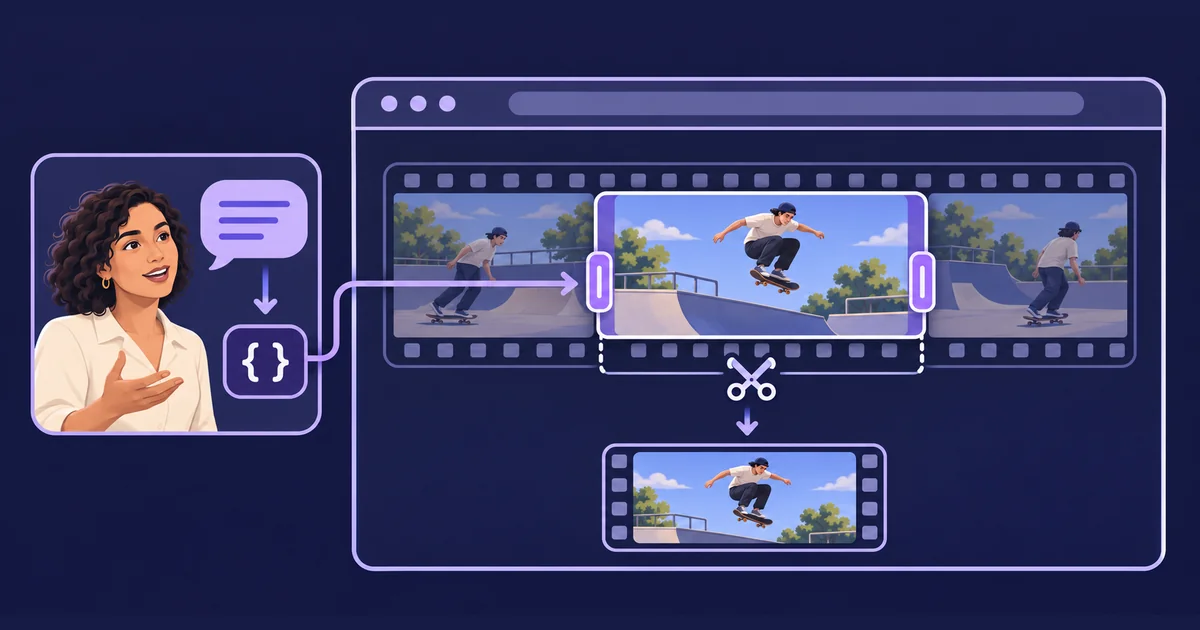
If your website already turns a set of inputs into a useful result, WebMCP gives an AI agent a clearer way to ask for that result. The page can tell a compatible browser agent which actions it offers, what each action accepts and what it returns. The agent can call the action with structured inputs instead of working out which controls to click.
All 37 tools in our free video and audio tools directory now expose WebMCP actions. You can still use every tool by hand. We added another way to reach the same features.
What that looks like on Tellers
A visitor opens our video contact sheet tool and chooses a video. A compatible agent can then call create_video_contact_sheet with the following inputs to make a 12-frame overview:
{ "rows": 3, "columns": 4 }Leaving out timestamps tells the tool to sample evenly. The page runs the same browser-side processing whether the visitor presses the button or the agent calls it. The result appears in the page, with the filename, frame count and a temporary download URL returned to the agent. A URL for that local result is not a public file link.
This matters when one step feeds another. An agent can make a first sheet, inspect the result and request a closer look at the interesting part of the video. Other tools can return subtitle text or JSON, a bounded image preview, or chunks of a generated file. The source file still has to be chosen by the visitor. For the screen recorder, the agent can configure the layout, while the visitor starts capture and grants access.
Start with one task users already understand
- Name the action and describe its effect. “Create a contact sheet from the video already selected” offers a clearer contract than “process media.” Expose only the inputs the action needs.
- Use the handler behind the existing interface. A JavaScript WebMCP tool can use
document.modelContext.registerTool()with an input schema and call the same function as the button. That keeps validation, permissions and visible results consistent. For suitable HTML forms, Chrome also documents a declarative approach. - Test the handoff as well as the call. Check what happens when input is missing, a user cancels or the result is large. Return enough information for the next step and keep access to media and device permissions scoped to the operation.
WebMCP is a proposed web standard, with early support in compatible browser environments. Check for the API before registering tools and keep your normal interface available. Page tools operate in the browser session; if you want an external assistant to connect to Tellers projects directly, that’s a separate use case for our Tellers MCP server.
Try the contact sheet tool or see how to read a contact sheet with AI. Either is a concrete example to start from when deciding what your own website ought to expose.