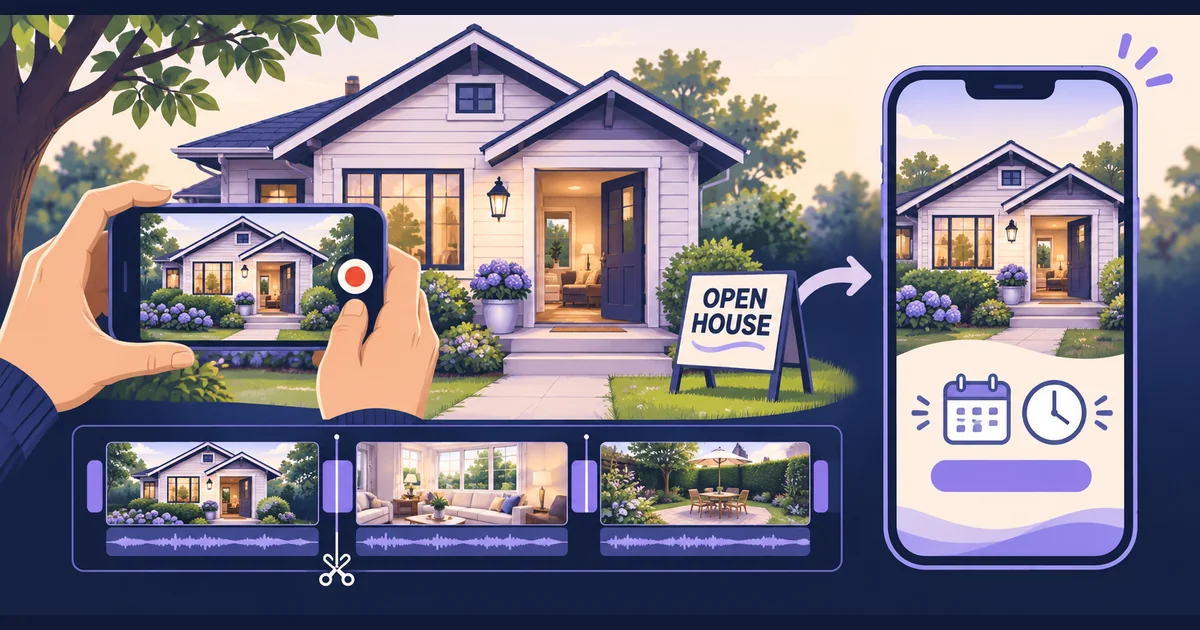
An open house invitation video should give viewers a reason to visit and the details they need to get there. Choose a few real property shots, add the confirmed date, time and location, then finish with one clear next step. You can make it from footage you already have, with or without appearing on camera.
In Tellers, upload the material and describe the edit to our AI editing agent. It builds an editable timeline that you can refine by prompting. This guide focuses on the invitation; our real-estate listing video guide covers the broader property tour.
Start with the visit details
Write a short event brief before choosing shots. Include the full date, visiting hours, property location, contact details and whether viewers should book or simply arrive. Use the exact wording approved for this property, including any brokerage information you need to display.
Avoid relying only on “this Sunday”. A saved or shared video can outlive the week in which you posted it. Keep the full date in the video and use the same details in the accompanying post.
Choose one reason to attend that the footage can show: the connection between kitchen and terrace, a spacious living area or a particular view. Let the images support that point. Do not ask AI to invent a sunny garden, extra room or upgraded finish for the invitation.
Pick a small set of useful shots
Gather an exterior or entrance shot, one wide view of the main space and a detail that supports your chosen reason to visit. Add a short agent introduction only if it says something useful. A friendly invitation recorded on a phone is enough; a long presentation can wait for the tour.
Keep files from different properties separate. Label approved shots clearly, especially if you have several takes of similar rooms. For a vertical edit, check that the important feature remains visible when the wide footage is reframed. A tighter crop should not hide the doorway or terrace connection you are describing.
Photos can fill a missing shot. Give a clear still enough time to register rather than forcing movement into every image. If you need new footage, record a steady pickup of the actual property.
Ask for an invitation rough cut
Try a 20–30-second starting brief, then adjust it to fit the material. This is an editorial choice, not a platform requirement. Keep enough room at the end for the practical information to be read comfortably.
Create an editable vertical open house invitation from these assets.
Use only the uploaded footage and photos of this property.

Event details: [full date], [start and end time], [location].
Next step: [book a visit / attend during these hours].
Contact and branding: [approved text and assets].
Reason to visit: [one feature shown in the footage].

Aim for 25 seconds. Open with the strongest clear property shot
and a short invitation title. Show the chosen feature, then end
with a readable visit-details card. Keep text away from the edges.
Use the agent introduction only if it adds useful information.
Keep music below speech. Do not generate or alter property features.
Show me the first cut before exporting.
This is a practical vibe editing brief: it gives the agent a purpose, approved facts and boundaries. For repeat work, keep the format in your editing agent’s instructions, but replace the property assets and event details each time.
Review it as someone planning a visit
Watch once without sound. Can you identify the property and understand when and how to visit? Then listen with the screen out of view. If there is narration, make sure it agrees with the visible details.
Read the closing card on a phone. If it feels crowded, shorten the wording or hold it longer. Remove a decorative shot before squeezing essential information into a brief flash. Ask for specific revisions, such as: “Keep the terrace shot, shorten the introduction and give the visit-details card two more seconds.”
Check the exported video again before posting. If the event changes, update the titles, narration, captions and post copy together. Keep the approved invitation separate from the undated listing tour so you can reuse the property footage without accidentally recycling an expired event.
Open Tellers with one property’s assets and your confirmed visiting details to build the first cut.
Frequently asked questions
Can I make an open house invitation video without appearing on camera?
Yes. Use your own property footage or photos, clear on-screen visit details and optional narration. An agent introduction is useful when it adds a personal invitation, but the video can work without one.
What should I change if the open house is rescheduled?
Update the date and time everywhere they appear: titles, closing card, narration, captions and post copy. Export a new version, review it, and replace or clearly correct any earlier invitation you have already published.