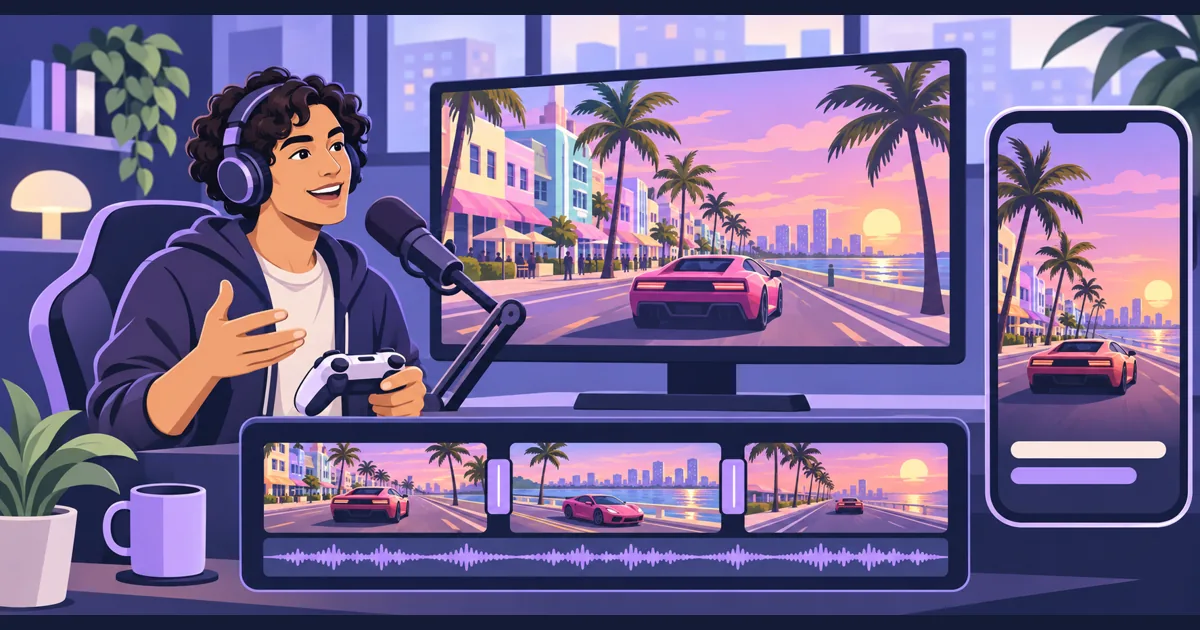
Want to become a GTA 6 content creator? Start your account now, record GTA V while you wait, and build an editing routine before launch day. Play, capture plenty of footage and let Tellers turn those recordings into videos ready to post. You can do it with a face camera, with your voice alone, or entirely through gameplay and captions.
Rockstar has announced GTA VI for November 19, 2026, on PlayStation 5 and Xbox Series X|S. We see a major opportunity for new creators: a new game gives you fresh things to discover, explain and turn into stories. Arrive with a working channel and a repeatable format, rather than spending launch day learning how to record and edit.
Start your GTA 6 channel with GTA V content
Create your YouTube, TikTok and Instagram accounts now. Use a consistent name, a recognisable profile picture and a short bio that tells viewers what to expect: funny driving challenges, discoveries, beginner guides or your first-time reactions.
Choose one format you can repeat. GTA V gives you material to practise with immediately:
| Format | Record before launch | Carry into GTA VI |
|---|---|---|
| Driving challenges | One route, a constraint and your attempts | New routes and challenges you devise |
| Funny moments | Mistakes, surprises and reactions | Self-contained stories from your sessions |
| Short guides | One task explained from start to finish | Answers to questions you can demonstrate |
| Exploration | A place, a detail and your commentary | Your own discoveries as you play |
Label GTA V footage as GTA V. You can call a series “Practising for GTA 6,” but the title should not imply that older gameplay comes from the new game.
Publish a small first batch before launch. Notice which openings hold attention and which comments ask for another episode. The point is to learn what people enjoy about your videos while you still have time to adjust the format.
Play and record plenty, with or without a face camera
Record your sessions generously: the setup before a surprising moment often makes the clip work. Capture attempts, failures, reactions and the eventual result. A folder of disconnected five-second highlights gives an editor less to work with than a complete sequence.
Run a short recording test first. Check that gameplay is readable, the microphone is audible and the capture includes what you expect. When possible, keep microphone and game audio separate so their levels can be adjusted independently. Name files by game, date and session; add a quick timestamp note when something memorable happens.
With a face camera, your expression can carry the joke or surprise. Keep the camera recording separate if possible, so we can reposition it for a vertical video without covering the action.
Without a face camera, build personality through commentary, recurring challenges or concise on-screen text. A faceless GTA channel still needs a perspective: “Can I finish this route without damaging the car?” gives viewers a reason to stay.
Let Tellers turn gameplay into ready-to-post videos
Upload your recordings to the Tellers app, or connect Tellers MCP to Claude and ask Claude to upload and edit your footage with Tellers. Our agent can analyse the recordings, select moments, build edits and export finished videos. You direct the format by prompting instead of cutting every clip yourself.
Start with a concrete batch request:
Create three vertical videos from my GTA V recordings.
My channel is about driving challenges and funny failures.

Find distinct moments with a setup, an attempt and a payoff.
Make each video around 20–45 seconds, in its own timeline.
Open with the challenge or an intriguing moment. Remove dead
travel time but keep enough context to understand the result.

Use my recorded reactions, add readable captions and keep
important gameplay visible. Label these as GTA V clips.
Prepare a title and caption for each video and show previews.
For a faceless version, add: “Use gameplay only, with short text explaining the challenge.” For face-camera recordings, ask us to include your reaction without obscuring the vehicle or other important details.
This is vibe editing: say “start closer to the failed jump,” “keep the second attempt” or “make the captions smaller,” and Tellers updates the edit. Give the finished clips a quick watch for pacing, framing and accurate captions.
Schedule posts now, then switch to GTA VI recordings
Connect your TikTok, Instagram and YouTube accounts to Tellers. We can prepare the platform versions and schedule your finished videos, so recording, editing and distribution stay in one workflow.
Once you like the edits, give a specific schedule: “Schedule these three approved clips for the next three evenings at 18:00 Europe/Paris on my connected TikTok, Instagram and YouTube accounts. Show the dates, captions and destinations before scheduling.”
When GTA VI launches, keep recording and feed the new footage into the same process. Begin with what you actually experienced: a first discovery, a funny failure or a useful answer. Save spoiler-heavy moments for clearly labelled posts. Your channel already has a format; now it has new material.
Start your first gameplay batch in Tellers today, so your next session can become your next posts.
Frequently asked questions
Should I start a GTA 6 YouTube channel before launch?
Yes: use the time to set up your accounts, practise recording and publish a recognisable format with your own GTA V gameplay. Label the game accurately. When GTA VI arrives, you can apply the same workflow to your new recordings.
Can I make GTA 6 videos without showing my face?
Yes. Gameplay with your voiceover, captions, challenges or short guides can work without a face camera. Give each video a clear idea and a payoff rather than posting an unexplained recording.
Can AI turn my gameplay into TikToks and YouTube Shorts?
Tellers can find moments in your uploaded footage, edit separate videos, add captions and prepare vertical versions. Use the app or connect Tellers MCP to Claude. You can also schedule finished posts to connected TikTok, Instagram and YouTube accounts.