A convincing picture does not tell you whether a generated scene has the right sound. CAST-Bench, a research preprint submitted on November 2, 2026, asks a more specific question: did each requested sound come from the intended source, at the right moment, with the right content?
Yucong Liu and colleagues built 900 prompts across nine sound-source categories, including speech, instruments and ambient sound. They evaluated 12 generators on single-shot prompts and nine on multi-shot prompts. The authors identify multi-person speech, speaker identity across shots and retaining events across cuts as continuing challenges. The paper and evaluation code make those checks inspectable.
What the results mean for an edit
The study separates visual quality from audio and semantic alignment. Its single-shot and multi-shot aggregate scores use different metric compositions, so the gap is not a clean percentage measure of quality lost by adding cuts. Treat it as evidence to inspect specific failures, rather than a universal model ranking.
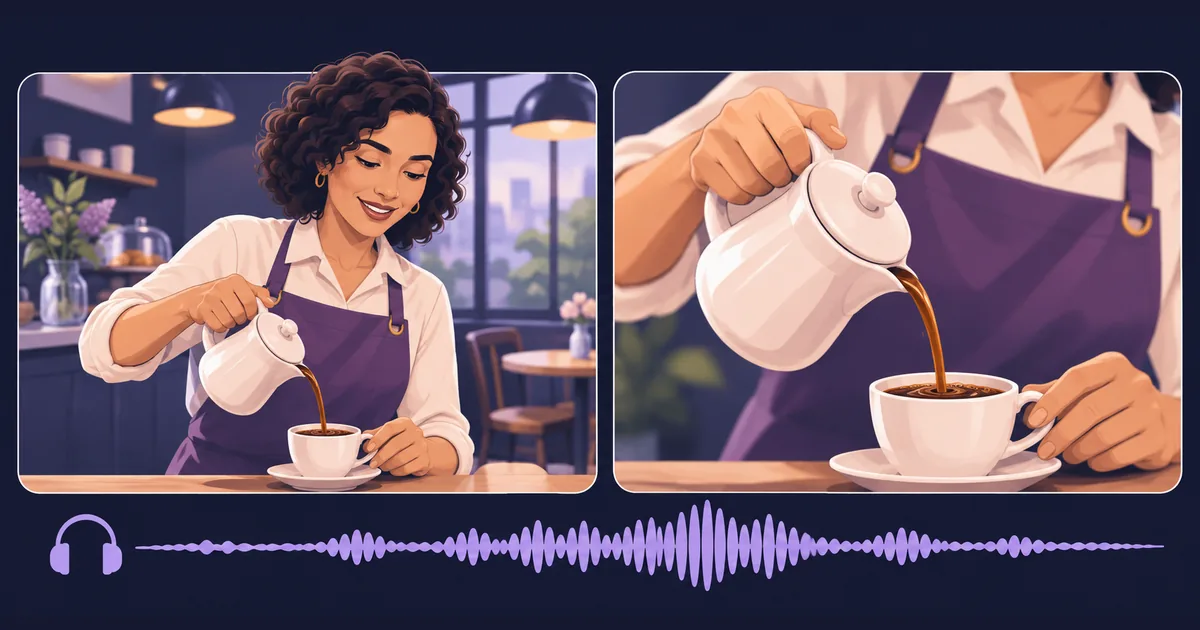
Our takeaway for creators is practical: approve the sound of a sequence as deliberately as its pictures. Imagine a fictional café scene. A barista pours coffee in a wide shot; the camera cuts to the cup before the pour ends. The pouring sound should follow the action, while the room ambience can continue underneath. If the soundtrack restarts at the cut, two individually convincing clips may still make an unconvincing scene.
Give the soundtrack its own continuity notes
For each shot, write down what starts, what stops and what continues off-screen. Name speakers consistently and assign each line explicitly. A useful brief for the café sequence is:
Shot 1: Maya pours coffee. The pour starts when the liquid begins.
Shot 2: Cut closer to the same cup while the pour continues.
Keep the same pouring sound across the cut; end it when she stops.
Room ambience continues under both shots. No dialogue or music.
For a scene with dialogue, settle the exact lines before adding visual complexity. Our voice-consistency guide explains when to use a voice reference and when to prepare the recording first. Those choices address different needs: a familiar voice and a fixed performance.
On Tellers, prompt our agent to assemble approved shots and arrange the soundtrack on the editable timeline. If a missing effect is the problem, Mirelo SFX 2.0 can generate sound from a prompt or video; the agent can place and adjust it in the edit. Keep successful picture work while repairing the part that failed.
Review once with your eyes closed for abrupt ambience changes or repeated effects, then watch again for timing. Listen across the cut, not only inside each clip. Open your sequence in Tellers and make those repairs by prompting.
Frequently asked questions
Does matching lip movement prove an AI scene has correct audio?
No. Listen for the intended words and speaker as well as timing. A line can fit a mouth movement while still belonging to the wrong character, and a background sound can disappear when the picture cuts.
Can I repair sound without regenerating the whole video?
If the picture is already right, you can keep it and edit separate dialogue, ambience or effects on the Tellers timeline by prompting. If a visible mouth or action no longer matches the required sound, that shot may need regeneration or a different edit.