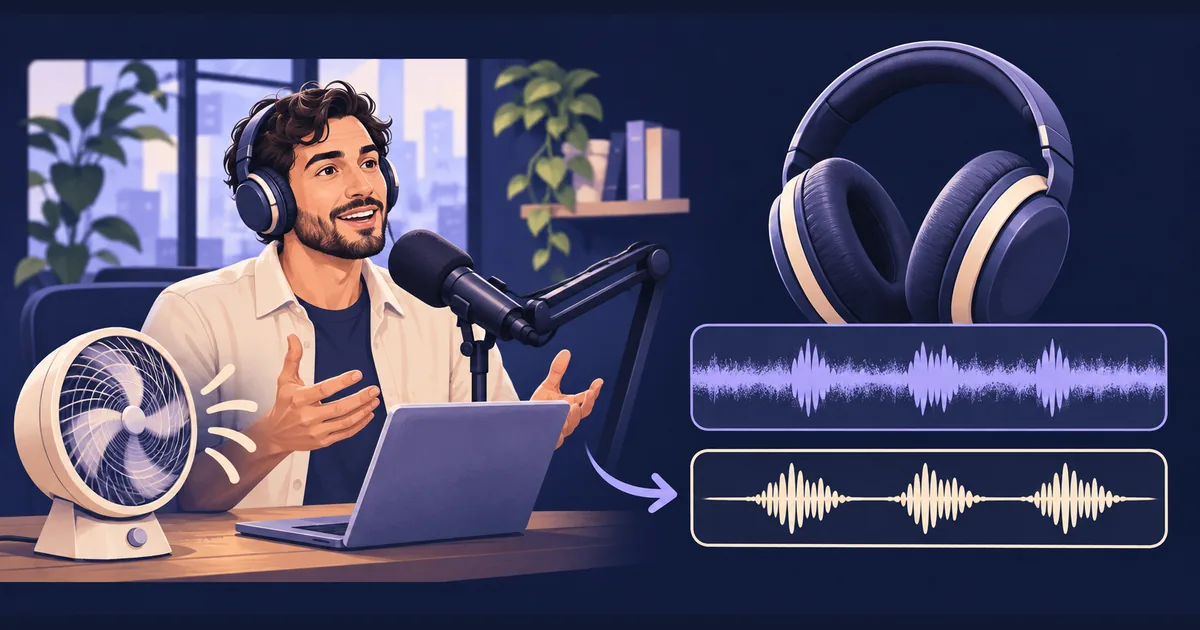
To clean podcast audio with AI, start with the best speech recording, remove distracting background noise, and compare the result with the original before building your video clips around it. The goal is an understandable, natural voice. A quieter track is useful only if the words and delivery still sound right.
In Tellers, our Clean Voiceover Audio tool removes background noise from spoken audio. You can ask the editing agent to clean the recording, then use the result in the same project. Here is a practical workflow for a video podcast recorded with a microphone and camera.
Choose the recording worth cleaning
Listen to the available sources before processing them. If you recorded a separate microphone track, compare it with the camera audio. Choose the version where the speaker is clearest, even if it has some steady room noise. Keep the original file so you can return to it.
Identify the actual problem. A fan behind an otherwise clear voice is a cleanup task. A guest speaking too quietly compared with the host needs level adjustment as well. A missing word, a distorted shout or two people talking over each other may need a different take or an editorial cut. Do not assume one noise-removal pass will solve all four.
If you have separate speaker tracks, keep them separate during this assessment. That lets you judge each voice without treating one person’s background noise as a reason to process the other person’s recording.
Compare one representative passage
Choose a short passage that includes normal speech, a quieter sentence and a pause where the noise is audible. Upload the source files and identify which audio belongs with which camera recording. Ask for a small comparison first:
Help me clean the spoken audio for this video podcast.
Use guest_mic as the speech source; guest_camera is its video.

Create an audio excerpt from 02:10 to 02:40, then use Clean
Voiceover Audio on that excerpt to reduce background noise.
Keep the original and cleaned versions separate for comparison.
Do not cut pauses, change the voice or add music.
Listen at similar playback levels. Concentrate on the ends of words, soft consonants, breaths and laughter, not just the silence between sentences. Reject a result that makes an important word less clear or gives the voice a distracting metallic texture. Keeping a little room sound is preferable to losing the speaker’s character.
If the comparison works, ask for cleanup of the source recording you intend to use. If it does not, choose another source or keep the original for that passage. Avoid repeatedly processing an already processed file without a clear reason.
Keep the cleaned speech attached to the picture
Once the audio is approved, ask Tellers to build the clip with it. Our editing tools include timeline editing, audio export and loudness measurement, so cleanup can be followed by assembly and review in one conversation.
Use the approved cleaned microphone audio for this podcast clip.
Align it with guest_camera using the original recording's timing.
Mute duplicate camera audio so the voice does not play twice.

Keep picture and speech together when shortening the excerpt.
Preserve the guest's complete point and natural delivery.
Show me the playable edit without background music first.
Watch mouth movements at the start and end of the clip. Listen across every cut for jumps in room sound, clipped syllables or a second copy of the voice. If a recording stopped and restarted, check the alignment of each segment separately.
This is a useful vibe editing brief: name the source, describe the problem and define what must stay intact. For a recurring show, keep those rules with your editing agent’s instructions.
Finish for the listener
Balance the speakers after cleanup, then add music only if it helps the clip. Keep it low enough that quiet words remain easy to hear. Listen on headphones for artifacts and on a phone speaker for intelligibility. Check captions against the actual speech, especially names and technical terms.
When the sound is ready, our podcast episode teaser guide covers choosing the hook and assembling a short preview. Open Tellers and start with a passage you can judge easily before committing to the full edit.
Frequently asked questions
Should I clean podcast audio before or after cutting clips?
Compare a representative passage before committing to cleanup across the recording. Once you approve the result, use the same audio source consistently through your video edit. Review each cut again, because a change in background sound can become noticeable at an edit.
Does removing noise also remove filler words?
Noise cleanup and speech editing are different tasks. Clean Voiceover Audio targets background noise. Ask separately for editorial cuts to repetitions or pauses, and review them for meaning and natural delivery.