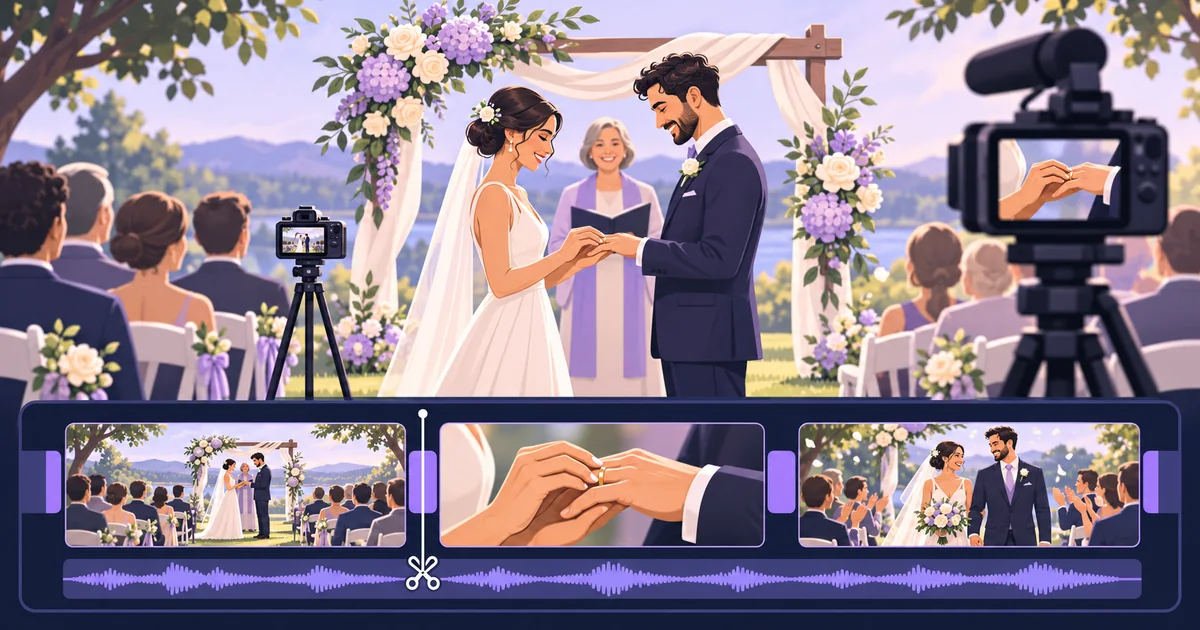
For a full wedding ceremony edit, build one continuous timeline from the most reliable camera and the clearest recording, then use the second camera where it improves coverage. Give Tellers the sources, their alignment and the moments that must stay intact. Our editing agent can assemble a rough cut you can revise without having to specify every cut yourself.
A full ceremony and a highlight film serve different viewers. Here, someone should be able to follow the entrance, hear the readings and vows, see the ring exchange and stay with the couple through the exit. The edit should still make sense to someone who wasn’t there.
Map the coverage before choosing angles
Label the files by their role: A — wide, B — close and recorder — ceremony. Keep the camera sound available for alignment, even if you intend to use the recorder in the final mix. If the second camera stopped between readings, treat each restart as a new clip with its own start time.
Give each angle a job. The wide shot can establish the aisle and show who is speaking. The close angle can reveal a gesture or the exchange of rings. The best mix may be mostly the wide shot, with just a few close cuts that show something viewers wouldn’t see otherwise.
Use a short coverage note rather than writing a cut list. For example:
| Moment | Which angle to start with | What to protect |
|---|---|---|
| Processional | Wide view of the aisle | The order in which people enter |
| Vows | A clear view of the person speaking | Every line and the pause before the reply |
| Rings | Close view if the hands are visible | The exchange in the right order |
| Recessional | Wide view as the couple turns | The applause and exit |
Establish the sound and sync
Start with one sound track. A recorder near the officiant may give you clean voices but miss the entrance music or applause. Listen at those points before deciding where you need camera sound. Use short fades around changes of source and avoid playing two copies of the same speech.
Line up a shared cue, such as a distinct word or a clap, in the cameras and the recorder. Check a second cue later in the ceremony. If the first cue matches but the second doesn’t, moving the entire track again won’t solve both points. Align the affected sections separately and check visible speech before building the picture edit.
Ask for a complete rough cut
Give the editing agent the coverage notes and aligned source timings. In agentic editing, you supply the rules that matter, then review the cut instead of prescribing every clip.
Build an editable 16:9 rough cut of the complete ceremony.
Use Camera A as continuous coverage and the aligned recorder
as the main audio. Use Camera B only at matching source times.
Alignment notes: [source cues and offsets].
Coverage gaps: [times or moments].

Keep entrances, readings, vows, rings and the exit in order.
Do not shorten the readings or vows. Use B for a useful close
view or to cover an obstruction, then return to A as needed.
Use only the supplied footage and genuine ceremony sound.
Flag any missing moment or uncertain sync. Do not fill it
with generated footage or a reaction from another time.
Review the restarts, ring exchange and first moment after an audio source change. For your next vibe editing pass, give one precise note: “Stay wide until both partners reach the arch, then use the close angle for the first vow. Keep the recorder audio.” For reception toasts, use our separate wedding speeches workflow.
Open Tellers and start with the widest continuous recording, the close angle and the audio you want to hear.
Frequently asked questions
Can I edit a wedding ceremony with one camera and a phone?
Yes. Use the continuous recording as your main angle and add phone footage where it covers the same moment. Align each phone clip before cutting to it. Keep the best available sound underneath both angles.
What if both cameras missed part of the wedding ceremony?
If the recorder covered it, preserve the real audio and use a neutral visual or an honest title card rather than a shot that pretends to show the missing action. If sound is missing too, mark the gap for review.