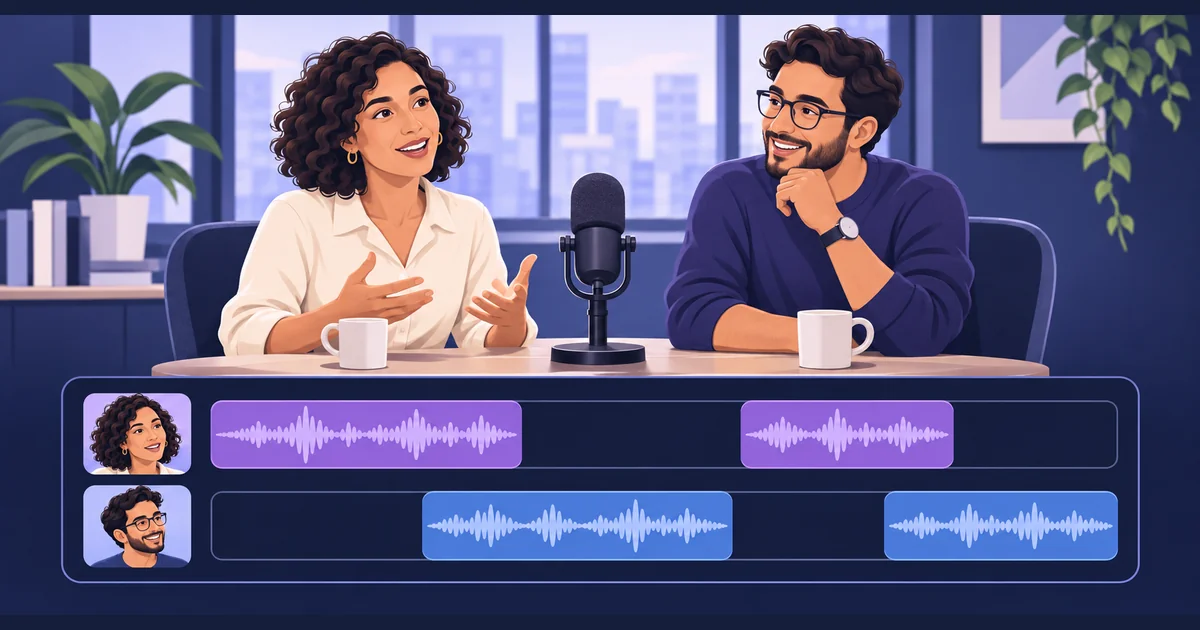
To put each speaker on their own audio track, upload the interview or podcast to Tellers and ask our agent to build the tracks using speaker diarization. Diarization identifies who spoke when. Tellers does this once when analysing the files at upload, then reuses the speaker timings when you edit those files again.
The right prompt depends on how the conversation was recorded. With separate microphones, keep each speaker’s own mic during their turns. With one shared microphone, copy each turn from that recording onto its speaker’s track. In both cases, keep the clips at their original positions so they stay in sync with the video.
Two microphones recorded into separate files
Say the host and guest each wore a lavalier mic. When the guest speaks, the host’s mic may pick up the guest at a distance, along with clothing noise or chair movement. Cutting the idle host mic during that answer leaves the guest’s closer recording and gives you independent control of each voice.
Upload the video and both audio files. Tell the agent who wore each mic. If the recordings started at different times, ask Tellers to align them before making cuts. If the mics are on the left and right of a single stereo file, use our two-microphone channel splitting guide to prepare them first.
Align host.wav and guest.wav with the uploaded interview video.
Use the speaker timings already analysed in Tellers.

Create a Host track from host.wav and a Guest track from guest.wav.
On each track, cut the stretches where that person is not speaking.
Leave the remaining clips at their original positions. Keep natural
reactions and both mics where the speakers intentionally overlap.
Mute the camera audio so the dialogue does not play twice.
You can then ask Tellers to raise the guest’s quieter answers without raising the host, or restore a reaction that matters to the scene.
One microphone shared by everyone
With a shared recording, the agent can still put each person’s turns on tracks labelled Speaker 1, Speaker 2, and so on. That helps when you want to find every question from the host, rebalance a soft-spoken guest or move a complete answer without hunting through one long waveform.
The tracks contain excerpts from the same recording. If someone interrupts halfway through an answer, both voices can be audible in the same excerpt. Diarization tells the agent where to make the edit; it cannot remove one voice from that shared moment.
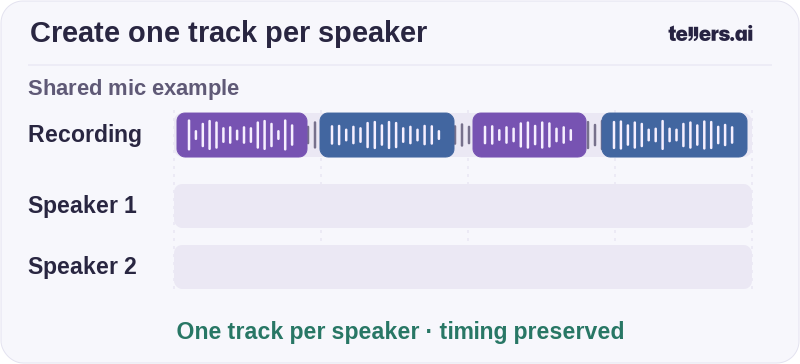
Use the existing speaker diarization for this uploaded recording.
Create one audio track per detected speaker, named Speaker 1,
Speaker 2, and so on. Put each labelled turn on its speaker's track
at its original time, with gaps between turns. Do not ripple the edit.

Keep overlapping speech once so it does not play twice. Mute the
original audio track after assembling the new tracks. Leave the
video timing unchanged.
If a laugh or a short “yes” lands on the wrong track, ask the agent to move just that clip. Once the tracks are organised, use the same project to build an interview rough cut.
Open Tellers and start with the prompt that matches your recording.
Frequently asked questions
Can AI split an interview into one track per speaker?
Yes. Tellers uses speaker diarization to identify who spoke when and place each turn on the corresponding timeline track. With a shared mic, the tracks are cut from the same recording, so speech captured at the same time stays mixed.
Do I need to transcribe the recording again for each edit?
No. Tellers diarizes the recording when it analyses the upload. Once that analysis is ready, the agent can reuse the speaker timings for new edits from the same file.
What happens when both speakers talk at once?
With separate microphones, you can keep both tracks open for that moment, though one mic may still pick up the other person. With a shared mic, keep the overlapping section once on the timeline. Sending the same mixed audio to two tracks will play it twice.