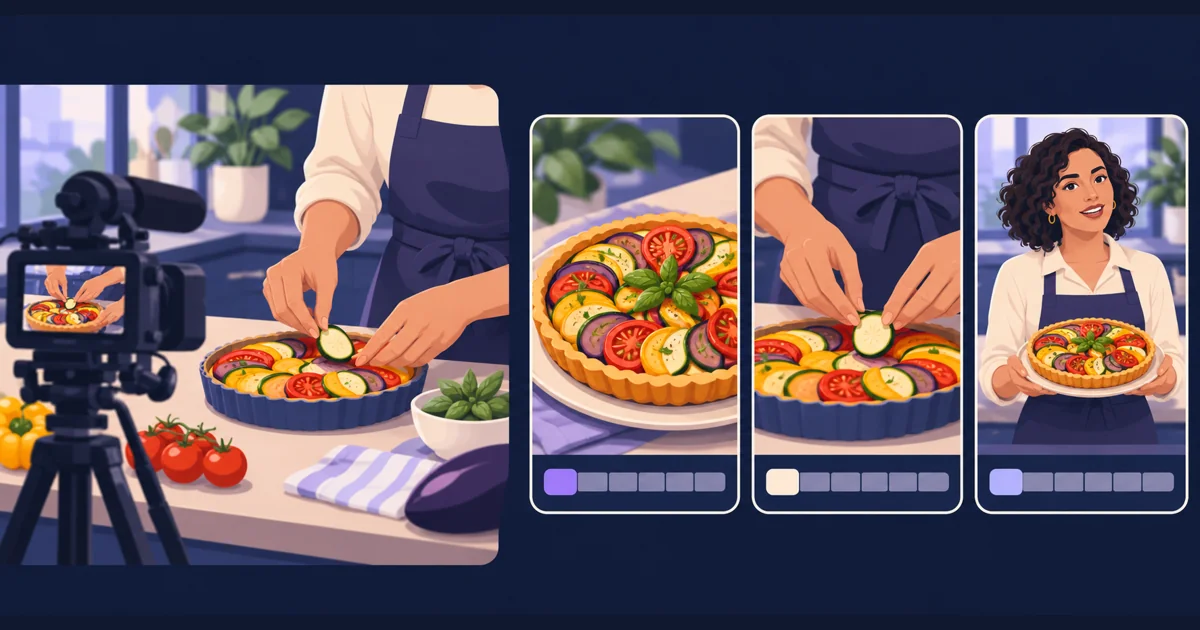
To create video hook variations with AI, give the editing agent one source video, three opening ideas and a clear instruction to keep the rest of the edit consistent. You get different ways into the same story without filming three complete videos.
This is useful for a recipe creator, a small business making marketing videos with AI, or an agency exploring different angles for a client. In Tellers, you can ask our agent to assemble the versions, change their titles and refine the cuts by prompting.
Choose what the opening should promise
A hook is the reason to keep watching. It can be a striking image, a useful question or the beginning of an action. The rest of the video should deliver on it.
Imagine you have footage of a vegetable tart: the ingredients, assembly, baking and finished dish. You could open with three different ideas:
| Opening | First picture | Example title |
|---|---|---|
| Result first | A slice lifted from the finished tart | “Make this vegetable tart” |
| Process first | Hands arranging the vegetables | “Build the filling in layers” |
| Question first | The ingredients laid out on the counter | “What would you make with these?” |
These are three routes into the same recipe, rather than three rewritten recipes. Use an opening that the available footage can support. If there is no shot of the finished dish, choose another angle or film that pickup.
Avoid adding a time-saving claim just because it sounds catchy. “Dinner in ten minutes” needs to be true of the recipe, not merely the amount of preparation shown in the edit.
Build one shared middle and ending
Start with a short base edit that makes sense on its own. For the tart, that might be preparation, assembly, the oven transition and the plated result. Keep the essential steps in order and finish with the same invitation to find the full recipe.
Then choose a point near the beginning where each opening can join that shared sequence. A close-up of the ingredients is often easier to join than a sentence that begins halfway through a thought. You can use a short title over the opening footage without recording a new introduction.
Our cooking video guide covers the complete recipe edit. Here, the goal is narrower: vary the first impression while preserving the video that follows it.
Give the agent a brief with fixed and variable parts
Upload the footage and any existing edit, then name the three approaches. A concrete vibe editing prompt makes the difference between useful variations and three unrelated montages:
Create three vertical versions of my vegetable tart video.
Use only the uploaded footage and approved recipe text.

A: open on the finished tart with “Make this vegetable tart”.
B: open on the assembly with “Build the filling in layers”.
C: open on the ingredients with “What would you make with these?”

Give each opening about three seconds, then join the same
recipe sequence. Keep the remaining shots, captions, music,
closing message and total duration consistent across versions.
Adjust the opening cut if needed so each version flows naturally.
Label the versions A, B and C and show me the edits.
Three seconds is a starting brief, not a rule. An action may need another beat to become understandable; a short question may need less. Ask for that adjustment without changing the rest of the video.
Refine the opening, not everything at once
Compare the versions with a specific question: which opening makes the subject clearest, or which creates the strongest reason to see the next shot? If you publish them to compare audience response, keep the offer and destination consistent. Results from different audiences or posting times will not isolate the opening alone.
A useful revision is: “Keep B’s assembly shot, but replace its title with C’s question.” That gives the agent an actionable change. Save the shared edit so the next variation does not require rebuilding the whole video.
Open Tellers with a video you already have and try three ways to begin it.