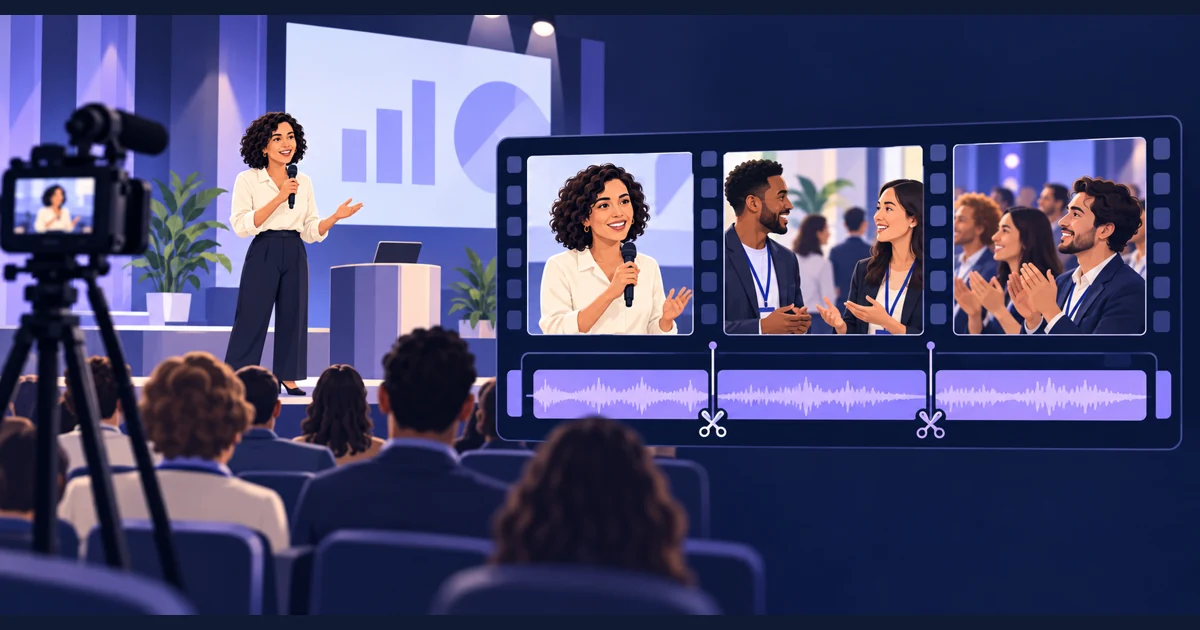
To edit a conference recap video with AI, give the agent your event footage and a clear purpose, then build the edit around a few moments that show why the day mattered. A good recap connects the ideas on stage with what people did in the room. It does not need to follow the agenda item by item.
Tellers is AI for video editing: you provide the footage and describe the final video you expect. The agent assembles an editable timeline that you can refine by prompting or manually. For an event, that means combining speaker recordings, attendee interviews and roaming shots into one film, rather than cutting each file separately.
Choose whose question the recap should answer
For someone considering next year’s conference, the question is “Would this be worth attending?” Show a useful exchange, people taking part and the kind of conversation they could join. For a sponsor, the question may be “What did our involvement make possible?” That calls for different evidence, such as the actual workshop or demonstration they supported.
Pick one primary audience. A general-purpose edit often spends too long on logos and venue shots because nobody has agreed what the viewer should take away.
For the example below, the brief is a 75-second film for prospective attendees. That duration is an editorial choice, not a claim about an algorithm. The film will show a practical idea from the stage, an activity where people used it, and a reason to follow the next event.
If you need the complete talk as well, treat it as a separate deliverable. Our webinar replay editing guide covers preserving explanations, slides and Q&A in a longer recording.
Give the agent enough context to make useful selections
Add the stage recordings, separate microphone audio, attendee interviews and roaming footage. Include the agenda, correct speaker names, approved logo files and the exact closing message. Mark anything that must not appear, such as a private session or an unreleased slide.
You can leave the selection work to the agent. Instead of manually finding every good moment, ask it to propose a small set of complete speaker lines and matching visual material. The important distinction is between a line that sounds impressive and one that a new viewer can actually understand.
“That changed everything” needs context. A short explanation of what changed, and for whom, may carry the film much better. Keep the speaker’s real words and original voice. Do not assemble fragments from different answers into a statement they never made.
When two cameras recorded the same session, ask Tellers to align them using shared speech or music, with visual cues where needed. Check the beginning, ending and any restart. A camera roaming the foyer at another time is useful coverage, but it is not a reverse angle of the speaker’s audience.
A 75-second structure that leaves room for an idea
Use this as an editable starting plan. Adjust the timings around the actual quote rather than chopping a sentence to meet the table.
| Approximate timing | What to show | What it contributes |
|---|---|---|
| 0–8 seconds | A complete, concrete speaker line, with the event name introduced briefly | A reason to keep watching |
| 8–20 seconds | The room, a session in progress and people participating | Where the idea belongs |
| 20–42 seconds | A workshop, demo or exchange related to that idea | Evidence of what attendees did |
| 42–62 seconds | One concise attendee reflection, with relevant event footage | A second perspective |
| 62–75 seconds | A strong closing moment and the approved next step | A clear ending |
Not every event has a usable attendee interview. In that case, let an activity play with its natural sound and a short approved title. Do not add a synthetic testimonial to fill the slot.
The structure also gives you a way to reject attractive but irrelevant footage. Ten seconds of the entrance may look polished, but if the viewer already knows where they are, those seconds could show the demonstration that made the event distinctive.
A prompt for the first conference highlight edit
After adding your files, adapt this brief:
Create a roughly 75-second conference recap for people considering
attending our next event. Use only the supplied event footage.

Find a complete, specific speaker takeaway that makes sense without
watching the full talk. Build the opening around it. Show the event
name briefly, using the approved wording in the brief.

Connect that idea to relevant workshop, demo and networking footage.
Include one useful attendee reflection if the recordings contain one.
Avoid a chronological summary of every agenda item.

Align camera and microphone recordings of the same session before
using alternate angles. Flag uncertain synchronization and names.
Keep original voices and preserve the meaning of every quote.

Use our supplied music beneath speech, with natural sound where it
adds something. Add readable captions and approved speaker names.
End with the exact call to action in the brief and required logos.

Return an editable first cut. List the source ranges for spoken
quotes so I can review them in context. Do not generate event footage,
invent attendance figures or add claims that are absent from the brief.
Tellers’ editable timeline workflow lets you preview and revise the sequence before export. Give the first cut one focused review: does it show a reason to attend, or merely prove that a conference happened?
Make the sound carry the edit
A recap made entirely of music and quick shots can look lively while saying very little. Let the opening voice establish the point. Lower the music enough that the words remain easy to follow, then bring it forward in the visual montage.
Keep a little real sound when it helps: the demonstrator starting a machine, the end of a question, or applause from the moment actually shown. These sounds place the viewer in the room. Avoid using an unrelated crowd reaction to make a statement seem better received than it was.
For a rough dialogue cut, cover the visual jump with relevant footage while keeping the spoken idea intact. If the camera microphone is full of room echo, use a separately recorded microphone track when available. Louder music will not repair unclear speech.
A useful revision request is specific:
The middle feels like a venue tour. Replace two room-wide shots
with the workshop activity related to the opening quote. Keep the
attendee's complete explanation. Lower the music under that answer,
then let the real applause from the closing shot finish the sequence.
Make the vertical version as a new edit
Once the main recap is approved, choose one idea for the short version. A vertical cut does not need to contain a smaller copy of every scene in the main film.
For example, keep the opening speaker line, two workshop shots and the closing invitation. Reframe the person speaking; when two people interact, use a wider composition or a deliberate layout instead of cropping one of them out. Read the captions on a phone-sized preview and check that they do not cover faces, names or the action being demonstrated.
Ask for a separate editable timeline so later changes to the short version do not disturb the approved recap. Our guide to making Shorts from existing footage explains how to keep each short self-contained.
Review the claims the pictures make
Before export, compare speaker names, job titles, event dates and the closing destination with the approved brief. Check each quoted passage against its source, including the sentence immediately before it. A confident opening can become misleading if the speaker was describing a hypothetical example.
Also review the visual associations. Does a sponsor logo appear over the right activity? Is a crowd shot really from this event? Does the edit imply that an attendee endorsed something they were simply watching? Use actual event material to show what happened; reserve generated graphics for clearly designed titles or transitions.
Watch the final export with sound, then once without it to check titles and captions. Keep the timeline and original media for corrections and future cutdowns.
Open Tellers and describe the recap you want. Give the agent the selection and assembly work; spend your review time on the moments that tell the event’s story.
Frequently asked questions
How long should a conference recap video be?
Choose the length around the audience and the material. A 60–90 second brief is a useful starting point for a promotional highlight film, not a platform rule. A stakeholder recap may need more explanation. If the goal is to teach the full session, publish a separate talk or replay instead of forcing it into the recap.
Can AI edit an event highlight video from several cameras?
Yes. Tellers can assemble an editable timeline from supplied footage and your brief. Ask it to align recordings of the same moment before switching angles, and review uncertain sync points. Roaming footage from different moments can be used as a montage, but should not be presented as synchronized coverage of a particular exchange.
What if I only have phone footage of the event?
Build around the clearest shots you have. A few steady views of the room, a useful activity and a complete spoken takeaway can support a short recap. If speech is unusable, make a visual montage with approved text rather than inventing a quote or implying a recording exists.
Should an event recap include every speaker and sponsor?
Not necessarily. Confirm any required appearances before editing. A short film cannot give everyone a meaningful segment. Use an approved closing slate for required logos, and make separate session clips or a longer stakeholder version when those need more coverage.