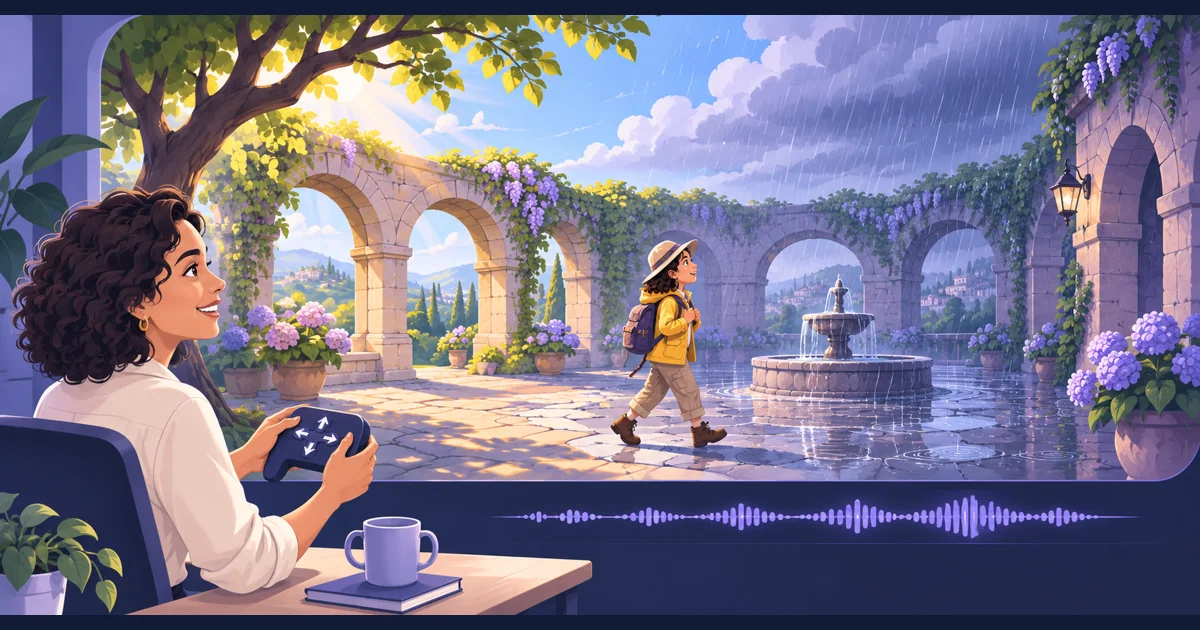
Genie 4 changes the creative question from “What clip should I generate?” to “What happens if I move through this scene?” For video creators, that makes interactive world models interesting for exploring camera paths and scene ideas before deciding which moments belong in a finished edit.
Google’s November 18 announcement expanded access to Genie 4 and described changing environments with prompts during a session, alongside native audio that responds as the scene unfolds. This is a rollout milestone, rather than the model’s original research announcement.
A scene that responds while you explore
According to the Genie 4 model card, the system accepts text, images and real-time actions such as navigation. It outputs 720p video at up to 24 frames per second with synchronized audio.
That is a different interaction from submitting a shot description and waiting for a fixed clip. A creator can explore a viewpoint, change the conditions and see how the scene develops. Google’s announcement describes examples such as changing weather or redirecting action mid-session.
Our interest is in what that could add to previsualization: working out a scene’s movement and composition before committing to a final sequence. Think of a fictional courtyard reveal. You might explore whether entering through an arch creates a clearer reveal than starting beside the fountain, or whether rain changes the mood enough to justify a different approach.
Exploration still needs an edit
A navigable scene is not automatically a watchable short film. Exploration includes hesitation, repeated turns and moments that are useful to the creator but uninteresting to the audience.
When working with a recording from an interactive world, choose a simple sequence: establish the space, reveal something, then leave on a clear final image. For the courtyard, that could be the archway entrance, the fountain reveal and a closer view of the rain on the stone.
Keep the strongest route through the scene instead of trying to show every possibility. If the weather changes midway, make that change part of the story rather than an unexplained jump between sunny and rainy shots.
Where precision remains a constraint
Google’s model card identifies continuing problems with object permanence, spatial accuracy, complex physics, legible text and real-time audio accuracy. Details can drift as sessions grow longer or undergo complex changes.
Those limits matter when the scene must preserve exact geometry, signage or a product’s appearance. An exploratory environment can suggest a mood or camera idea without being a reliable representation of a real location. For an actual property or neighborhood tour, use footage of the place itself.
Shape recorded footage in Tellers
You can upload a recording created with Genie 4 to Tellers and ask our agent to turn selected moments into a sequence:
Edit this recorded scene into a short atmospheric sequence.
Keep the entrance, the main reveal and a clear ending.
Remove repeated navigation and pauses. Preserve useful scene
sound, and add my supplied title as editable text.
Show me the cut before exporting.
The useful division is straightforward: explore to discover the scene, then edit to decide what the viewer sees. Our keyframes and reference images guide covers a different kind of control when you need to plan specific generated shots.
Frequently asked questions
What is the difference between Genie 4 and an AI video generator?
Genie 4 generates an interactive scene that responds as you navigate or change it. A conventional text-to-video workflow produces a clip from your instructions. For a finished video, you can edit a recording of the interactive scene to keep the strongest moments.
Does Genie 4 generate audio as well as video?
Yes. Google describes native audio generated alongside the scene, including ambience, music and character dialogue. The model card specifies synchronized audio with 720p video at up to 24 fps, while noting that real-time audio accuracy remains a limitation.