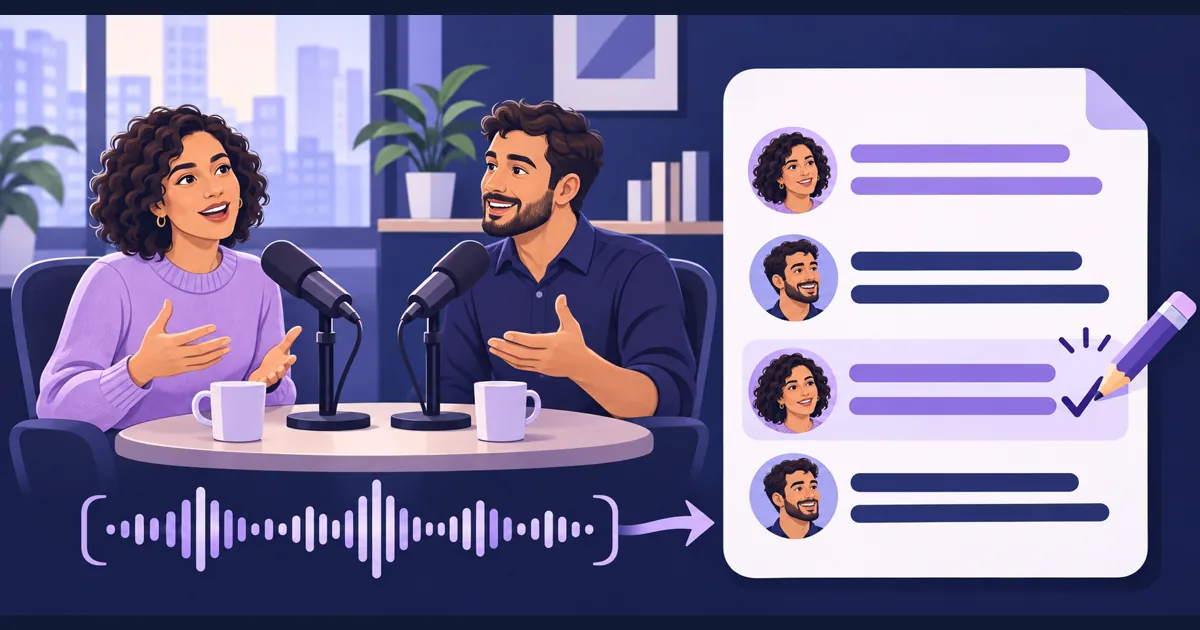
Scribe v3 is now available on Tellers. Use it to transcribe recorded speech and prepare captions as part of your video editing workflow. ElevenLabs launched Scribe v3 and Scribe v3 Live on November 10, 2026; the recorded-audio model brings improved speech recognition and speaker labelling to interviews, podcasts and panel discussions.
The provider’s announcement reports 27% fewer word errors for Scribe v3 than Scribe v2 across 102 languages. It also reports improved speaker labelling, including on recordings with three or more people. These are ElevenLabs’ reported results, not a test of our own footage.
Read the accuracy claim correctly
The model documentation gives the recorded-audio FLEURS word error rate as 12.38%, down from 16.94%. The advertised reduction is relative to the earlier error rate; it does not mean every transcript is 27 percentage points more accurate.
That distinction matters when planning a captioning job. A model can improve on average while still misspelling the one product name that appears throughout an interview. A panel recording with overlapping voices also presents a different problem from a clearly recorded single speaker.
Scribe v3 is the recorded-audio model. The Live variant addresses realtime transcription. For an editor working from finished recordings, live turn-taking speed is less relevant than getting the words, speaker changes and timestamps right.
Speaker labels affect more than the transcript
Imagine a three-person discussion where one guest asks a question and another answers with a brief “no”. If the answer receives the wrong speaker label, a transcript-based selection can attach the disagreement to the wrong person.
Our editorial takeaway is to review speaker changes before using a transcript to choose clips. Check short interjections, interruptions and passages where two voices overlap. A long, clearly spoken answer may be easier to attribute than a single word.
The model documentation also describes word-level timestamps, number formatting and secondary-language hints. Those controls address useful production details, but readable captions still need decisions about how text appears in the frame.
Check the caption, then the cut
A practical review separates three questions:
- Words: Are names, quantities and specialist terms correct?
- Attribution: Is each line attached to the person who actually said it?
- Presentation: Does the text arrive with the speech, break at sensible places and leave faces visible?
Do this on the final edit. Removing a sentence or moving an excerpt can change the timing and context even when the original transcript was correct.
Upload your recording to Tellers and ask our agent to transcribe it with Scribe v3. Our transcription and timeline tools let you use that transcript to find speech, assemble an edit and create captions in the same conversation. Keep an approved spelling list with the project and give the agent specific instructions:
Transcribe my recording with Scribe v3 and create captions for my edit.
Review the captions against the original audio and my spelling list.
Flag uncertain names and overlapping speech for me.
Keep the speakers' actual words; do not paraphrase.
After any timing change, check the captions against the revised cut.
You can also ask Tellers to build a rough cut from the transcribed answers. Our interview rough-cut guide explains how to shape those selections into an editable sequence by prompting.
Better recognition can reduce the corrections needed at the start. The final review still belongs at the point where viewers will see and hear the words together.
Frequently asked questions
Does lower word error rate mean captions are ready to publish?
No. Check names, numbers, speaker attribution, timing and line breaks in the actual video. A transcript benchmark does not measure all of those editorial decisions.
Is Scribe v3 a video generation model?
No. It is a speech-to-text model for recorded audio. Scribe v3 Live is the related realtime model; neither creates the picture or edits a finished sequence.