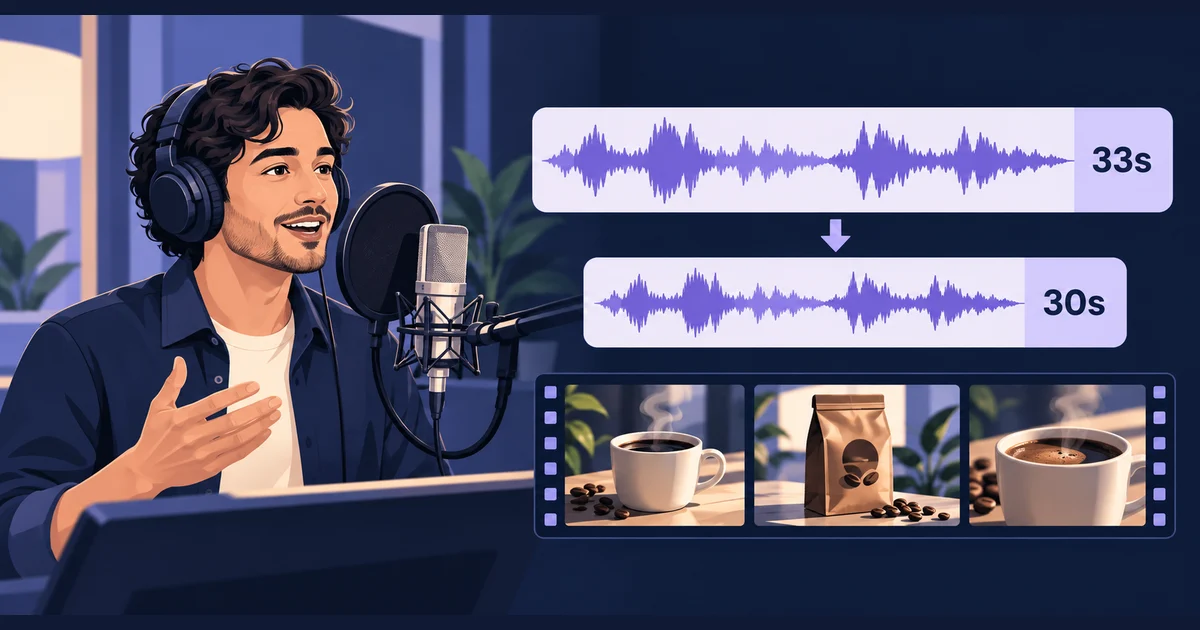
Your video needs to finish at 30 seconds, but the voiceover runs to 33. Making the whole project faster might hit the duration while making the delivery rushed and the pictures harder to follow.
Playing audio faster also raises its pitch unless the editor compensates for it. To shorten a voiceover while keeping the original voice, either cut unnecessary material or use pitch-preserving time stretching. Our free audio speed changer handles the pitch preservation for you.
Why speeding up audio makes the voice higher
A recording contains sound waves measured over time. Play those samples 10% faster and you fit 10% more wave cycles into each second: every frequency rises by the same factor. A 200 Hz tone becomes 220 Hz at 1.10×. At 2×, frequencies double, which raises the pitch by one octave.
Pitch shifts are often measured in semitones. For plain playback-speed changes:
Pitch shift in semitones = 12 × log₂(speed multiplier).
At 1.10×, the shift is about +1.65 semitones. If you have already sped up the recording this way, a pitch-only adjustment of about −1.65 semitones, keeping the new duration, compensates for that rise. Simply slowing it down again would undo the time saving.
The easier approach is to enable pitch preservation from the start. Time-stretching algorithms rearrange and blend short portions of the signal so duration can change independently of pitch. The new tool uses FFmpeg’s audio tempo filter for this. You do not need to calculate or apply a separate pitch correction.
Pitch is only part of a voice’s character. A large change can still sound rushed, grainy or unnatural, even with the original pitch preserved. For a natural result, cut what you can first and stretch only as much as you need.
Work out how much time the voice actually has
A 30-second video does not necessarily have 30 seconds for narration. You might want an opening sound, a pause before the offer, or a final product shot that holds after the last word.
For example, if speech starts at second 1 and must finish at second 28, the voice has 27 seconds. A 33-second recording would need about 1.22× speed to fit that space, rather than 1.10×. That difference is worth finding before you start processing audio.
Listen once while watching the intended pictures. Mark the words that need room: the product name, the main benefit and the next step. If the viewer must read a price or follow an interface action at the same time, faster narration may make the video harder to understand even when it sounds clear on its own.
Shorten the edit before stretching the voice
When possible, remove unnecessary parts instead of accelerating everything. The speech you keep retains its original pitch, texture and delivery. Finding and cutting pauses, repetitions and false starts manually can be tedious, but it often gives the most natural result.
Keep an untouched copy of the recording. On the working copy, remove false starts, duplicate takes and empty space before the first word or after the last. Then listen for pauses that can be shortened without changing the speaker’s intention.
Do not remove every breath. A pause can separate two ideas or give an offer emphasis. Join phrases at natural boundaries, and listen for clipped consonants, abrupt changes in room sound or a breath that ends halfway through.
If the script is still too long, simplify the wording before pushing the speed further. For a fictional coffee ad:
We are really excited to introduce our brand-new coffee subscription, which delivers freshly roasted coffee directly to your door every month.
could become:
Freshly roasted coffee, delivered every month. Meet our new subscription.
The shorter version changes the writing, not just the timing. Get revised commercial copy approved before recording or generating a replacement. With an interview or testimonial, preserve what the speaker actually meant; do not splice their words into a stronger claim.
Calculate the tempo change from the cleaned recording
Use the duration after those edits:
Speed multiplier = current voiceover duration ÷ target voiceover duration.
If the software asks for a percentage, use (multiplier − 1) × 100.
| Cleaned recording | Space for speech | Speed multiplier | Tempo increase |
|---|---|---|---|
| 31.5 seconds | 30 seconds | 1.05× | 5% |
| 33 seconds | 30 seconds | 1.10× | 10% |
| 36 seconds | 30 seconds | 1.20× | 20% |
| 33 seconds | 27 seconds | About 1.22× | About 22.22% |
These are calculations, not recommended limits. A relaxed read and a dense technical explanation will tolerate different changes. Start with the smallest adjustment that meets the brief, then judge the actual recording.
If the result feels hurried, return to the script or record a more concise performance. Speeding up a hesitant read does not automatically give it the rhythm of a confident one.
Speed up audio for free, with pitch preservation built in
- Open the free pitch-preserving audio speed changer.
- Select an MP3, WAV, M4A, AAC, OGG or FLAC recording.
- Set Speed multiplier: for example, 1.10× for a 10% increase. Values below 1 slow the audio down.
- Process the file, listen to the result, and download the WAV.
The tool runs locally in your browser, without an account or audio upload. It supports 0.5×–2× speed and preserves pitch automatically. The processing engine downloads on first use; long recordings may need more memory than your browser can provide. WAV output can be larger than the original compressed file.
For a strict ad slot, check the exported duration and the first and last words. Time stretching is not a substitute for a final listen, and small timing differences may still need a trim. The tool changes tempo; it does not decide which sentences or pauses to remove.
Fit the pictures around the approved narration
For an off-camera voiceover, work on the voice track separately from music and sound effects. Once its pacing works, place it back in the edit and adjust shot lengths, titles and sound cues to match. Leave the music at its intended tempo unless changing it is part of the brief.
For a presenter speaking on camera, picture and sound need to stay together. Shortening only the audio will move the words away from the mouth movements. Cut pauses in the linked footage, or use relevant B-roll over an audio edit. Do not use unrelated pictures that imply something the speaker did not say or do.
Recheck captions after retiming. A caption timed to the original 33-second take will not automatically match a separately processed 30-second file. Check the end of the video too: the last word, final title and music ending should all have deliberate timing.
If you only need a faster version of an entire clip, Tellers has a free video speed changer. That is a different job from fitting a separate narration track into an otherwise unchanged edit.
Let Tellers make the cuts for you
Tellers is AI for video editing: give it your recording and describe the final result. Instead of hunting for every pause yourself, ask the agent to remove unnecessary silences, false starts and repetitions while keeping the remaining voice at its original speed.
For a short, straightforward recording, this kind of cleanup can take around 20 seconds and 10 Tellers tokens. These are estimates, not a fixed turnaround or price; recording length and the requested edits affect both. You can try it with the free credits you receive when signing up with Google.
Shorten my recording by cutting unnecessary pauses, false starts
and repeated phrases. Keep the remaining speech at its original
speed and pitch. Preserve meaning, natural breaths and emphasis.

Aim for 30 seconds, but show me what can be removed without
rushing the speaker. Do not rewrite or regenerate the voice.
If the target needs substantive cuts, ask before making them.
Keep linked camera footage in sync and update caption timings.
Ask Tellers to shorten my recording.
You can then supply product shots, screen recordings or B-roll and ask for a finished video around the edited narration. Review the first cut, then refine it by prompting or editing the timeline. Our product launch-video guide covers building a clear message, and our voice consistency guide covers keeping generated voices consistent across scenes.
Before exporting, listen without looking at the timeline. Can you understand the product name and next step on the first pass? Then watch with the pictures. The useful target is a video that fits its slot and remains easy to follow.
Frequently asked questions
How do I make a voiceover shorter without making the voice higher?
Use pitch-preserving time stretching, as offered by the free Tellers audio speed changer, after removing unwanted pauses and retakes. Start with a small adjustment and compare it with the original. Preserving pitch does not guarantee that a heavily shortened voice will sound natural.
What speed makes a 33-second voiceover fit into 30 seconds?
33 divided by 30 is 1.10, so use 1.10× speed or a 10% tempo increase. Calculate from the cleaned recording, and use the actual space available for speech rather than the entire video duration.
Should I change pitch to get a fast radio-ad voice?
Only if a higher or lower voice is an intentional creative effect. For a natural voice at a faster pace, preserve pitch. Delivery, concise writing and well-placed pauses also contribute to an energetic read.
Can I shorten narration without speeding up the video?
Yes, when the narration is a separate voiceover. Edit its audio independently and adjust the pictures to match. If a person is speaking on camera, changing only their audio timing will break lip sync; edit the linked picture and sound together or cover the change with appropriate B-roll.