Seedance 2.5 Flash is available in Tellers on demand until general availability (GA). It gives creators another option for working with text, images and reference footage, with 480p and 720p output documented by BytePlus.
For a creator, the useful question is where those generated shots will appear: as the full picture, as one element in a composition, or as a draft for choosing a creative direction.
What Flash supports
The BytePlus model release documentation lists text-to-video, first-frame and first-and-last-frame generation, references, video editing and video extension. Its Seedance 2.5 series guide specifies 480p and 720p for Flash.
That means the model can do more than animate a standalone prompt. A reference image can establish the visual starting point; reference material can guide a scene; existing video can become the basis for an edit. Our Seedance 2.5 guide explains how to describe the role of each input.
First and last frames describe the endpoints of a shot. They should not be confused with guaranteed timing for intermediate images—a distinction covered in our keyframes and reference images guide.
Plan the composition before generating
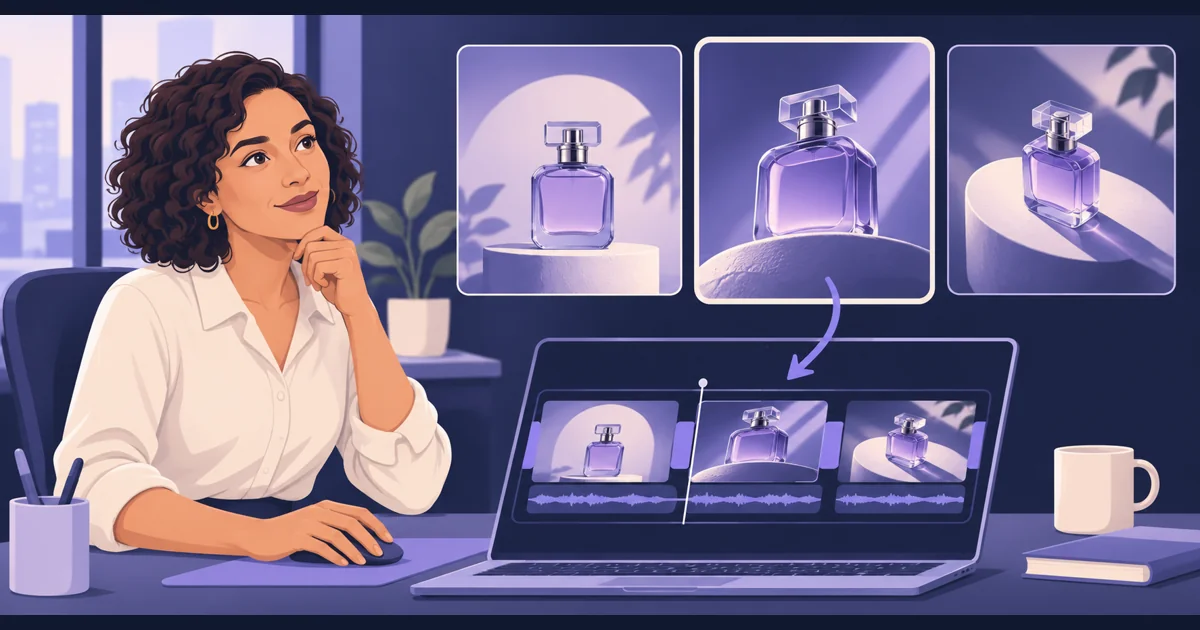
For a product mood film, try a short shot of a bottle on a pedestal, then a closer detail with a different lighting direction. Keeping the subject large and the background simple gives each shot a clear purpose in the edit.
A lavender glass bottle stands on a pale stone pedestal.
Slow, smooth camera move from a front view to a slight side angle.
Soft side lighting, a dark indigo background and a restrained
studio mood. Keep the bottle's shape consistent. No text.
If you intend to crop a landscape shot heavily into a vertical frame, generate a portrait composition instead where possible. A tight crop uses only part of the original image. Exporting that crop inside a larger-resolution video does not restore the detail that was never generated.
Add small labels and final typography in the edit, where you can control their size and placement. For a client concept, a few well-chosen shots can communicate the camera movement and atmosphere without producing a complete campaign first.
Generate and edit in Tellers
To request access before GA, contact us. Once your shots are generated in Tellers, ask our agent to build the sequence around them:
Make a short product mood film from these generated shots.
Open with the widest view, move into the detail, and finish
on the clearest product shot. Add my supplied product name
as editable text and use a restrained music bed.
Keep the source framing; avoid heavy crops.
You can then change the order, pacing, titles or soundtrack in the same conversation. Choose the generated shots for the story they tell, and let the edit turn them into a finished piece.